
xAI Voice Agent Builder 2026: Build a Grok Voice Agent in Two Minutes
On July 1, 2026, xAI announced Voice Agent Builder beta for Grok Voice. This is a dated explainer for an important launch that Truescho had not covered with a dedicated article, not a claim that the event happened today.
Source: xAI on X
Source: xAI Voice Agent Builder
What Is Voice Agent Builder?
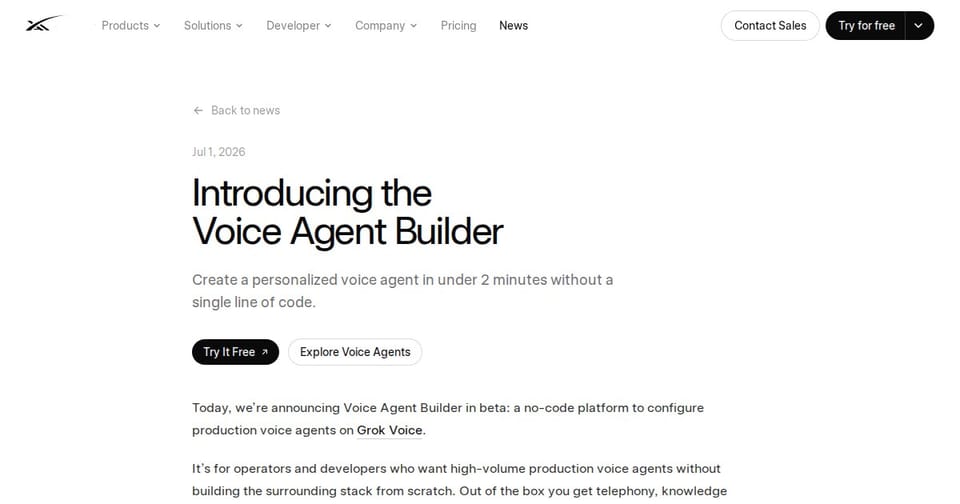
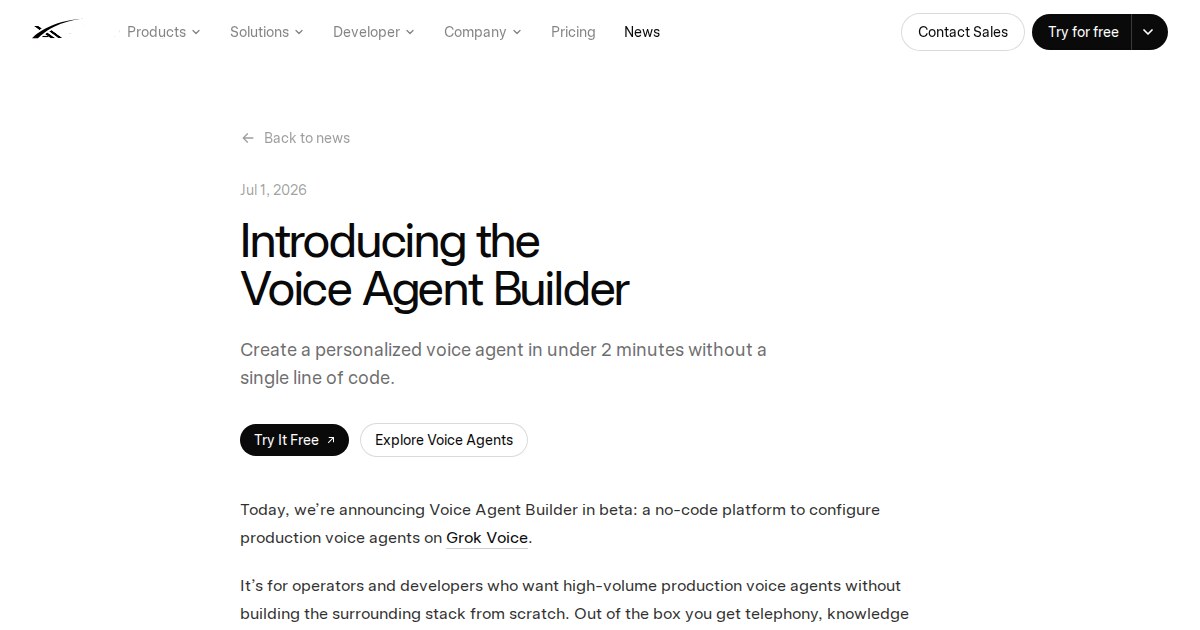
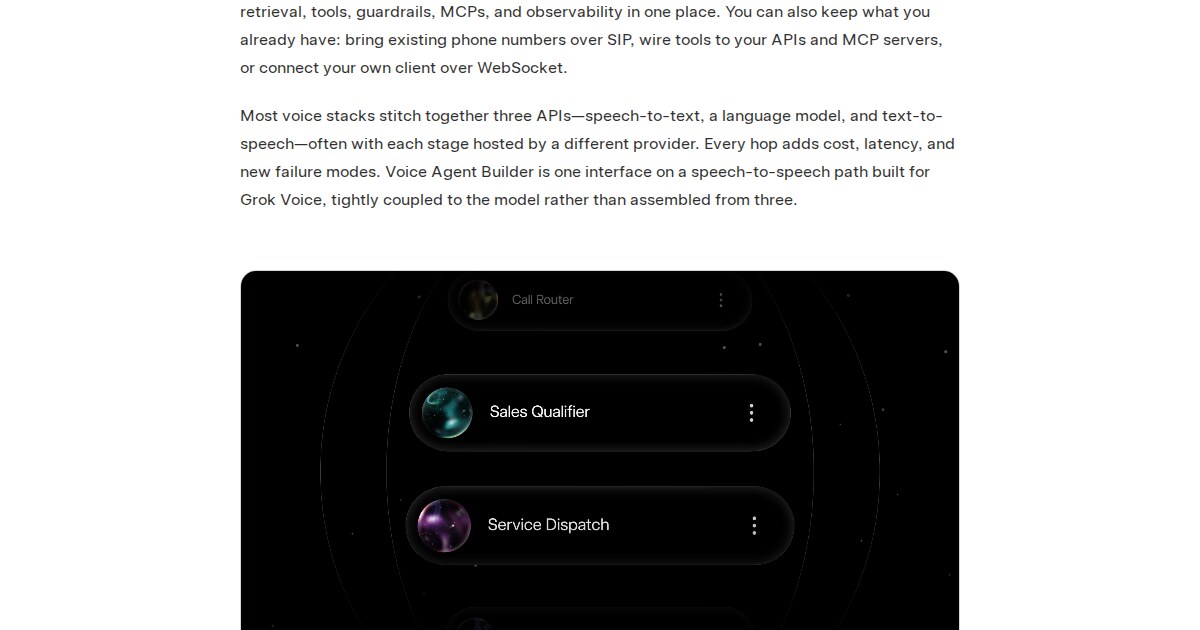
Voice Agent Builder is a no-code interface for creating Grok Voice agents. Instead of asking teams to assemble speech recognition, a language model, text-to-speech, telephony, retrieval, tools, guardrails and logs from separate vendors, xAI is trying to put the full path in one product surface.
The launch claim is speed: a user can describe the call flow, attach documents, connect tools, set guardrails and get a working voice agent in about two minutes. The more important product signal is consolidation. xAI is packaging telephony, knowledge retrieval, tool use, MCP support and observability around Grok Voice.
The platform supports provisioned phone numbers, direct SIP for existing numbers, and WebSocket for custom real-time applications. xAI also describes call recording, transcripts and tool-use visibility, which matter because production voice failures are often subtle.
The Product Signal
Voice agents are difficult because real conversations are messy. Users interrupt, change their mind, speak through noisy lines, use accents, ask out-of-scope questions and expect low latency. A good model alone is not enough. A production voice agent needs routing, escalation, privacy rules, tool permissions, logs and review.
Voice Agent Builder lowers the cost of trying a real workflow. A team can test appointment booking, lead qualification, order follow-up or support triage without building a full voice stack from scratch. Developers can still extend the system through SIP, WebSocket, APIs and MCPs when the prototype becomes a product.
For related coverage, see Truescho's earlier analysis of xAI's new Grok voices, and compare product options in the AI tools hub.
Pricing and Cost Model
xAI's docs list voice agents at 0.05 dollars per minute of audio. Telephony on an xAI provisioned number adds 0.01 dollars per minute. That makes quick estimates straightforward: 10,000 voice minutes would be about 500 dollars for audio, plus 100 dollars if those minutes use the provisioned telephony path.
That is not the full cost of production. Teams may also pay for external APIs, CRM access, storage, monitoring, quality review and engineering integration. Treat the per-minute rate as the meter for the voice layer, not the total cost of operating a customer-facing agent.
Build Options
| Option | Best fit | Strength | Tradeoff |
|---|---|---|---|
| xAI Voice Agent Builder | Fast phone-agent prototype | No-code setup with telephony and observability | Beta product |
| Voice Agent API over WebSocket | Custom apps and real-time clients | More engineering control | Requires development work |
| SIP integration | Existing phone systems | Works with current telephony providers | Needs telephony setup |
| Separate STT, LLM and TTS stack | Maximum component choice | Full vendor control | More latency, meters and failure points |
Source: xAI Voice Agent Builder
How To Pilot It
Choose a low-risk workflow first. Good examples include appointment confirmation, order-status collection, FAQ handling, or lead qualification. Upload a narrow knowledge base, define allowed tools, and set escalation rules before the first live test.
Then review recordings and transcripts. Do not judge the system from a single clean demo call. Test interruptions, noisy audio, unclear identity, out-of-scope requests, failed tool calls and angry users. Voice quality is proven under messy conditions, not in perfect demos.
Guardrails should be explicit. The agent should not read sensitive card details, should not make commitments outside policy, and should transfer to a human when confidence or authorization is low.
Early-Launch Risks
The first limitation is maturity. The product is in beta, so sensitive workflows should wait until teams have tested reliability, logging, privacy and escalation.
The second limitation is privacy. Recording and transcribing calls creates operational value, but it also requires consent notices, retention rules and access controls.
The third limitation is integration depth. No-code setup is useful, but serious deployments often need authenticated internal APIs, CRM updates, ticketing systems, monitoring and cost alerts.
Questions Before a Pilot
Is xAI Voice Agent Builder no-code?
The basic builder is no-code. Deeper production integrations may still require APIs, WebSocket, SIP or MCP servers.
Does it support phone calls?
Yes. xAI describes provisioned numbers, direct SIP for existing numbers and real-time WebSocket clients.
What does it cost?
xAI's docs list 0.05 dollars per minute of audio. Telephony on a provisioned number adds 0.01 dollars per minute.
Is two-minute setup enough for production?
No. It may be enough for a working prototype, but production requires testing, privacy review, escalation design, monitoring and integration work.
What should teams test first?
Start with low-risk workflows such as appointment confirmation, order-status calls, support triage or lead qualification.
A Seven-Day Pilot Plan
Day one: choose one use case that does not involve money or sensitive data. Day two: write the call flow, escalation rules and questions the agent must refuse. Day three: attach a small knowledge base and run 20 internal calls. Day four: add one tool only, such as creating a ticket or checking order status. Day five: review recordings and transcripts for recurring failures. Day six: adjust guardrails and tone. Day seven: run a limited beta with users who know they are testing a beta system.
This prevents a common mistake: opening a voice agent to the public after one successful demo. Voice errors feel more personal than text errors because they happen in real time. Deployment should be gradual, monitored and easy to stop.
Privacy Questions To Answer Early
Before launch, ask whether every call needs recording, who can view transcripts, how long recordings are retained, whether callers are notified, and whether users can request deletion. These are not legal details to add later. They shape the product. The closer the agent gets to customer data, scheduling or account status, the more important these answers become.
Pilot Decision
xAI Voice Agent Builder matters because it moves voice-agent prototyping from infrastructure work to a product experiment. That does not make voice easy. Real calls include accents, interruptions, noise and unexpected requests. Use the builder first to test whether the workflow is right, not to prove that production is ready.
If a company receives many repetitive calls, the pilot is worth running. If calls are few, sensitive and high value, start by analyzing transcripts and improving the knowledge base before letting an agent speak directly with customers.
What Makes a Voice Agent Successful?
A successful voice agent is not measured only by voice quality. It is measured by whether it completes the right task, knows when to stop and knows when to transfer to a human. In support, a fast wrong answer is worse than an early handoff. In sales, an agent that pressures the user or misunderstands intent can damage the brand more than it saves cost.
Define quality metrics before launch: completed-call rate, correct escalation rate, average call length, number of repeated questions and number of out-of-scope failures. Those metrics show whether the platform fits the workflow or whether the scenario needs narrower boundaries and better knowledge.
What To Watch After a Limited Launch
Treat the first 100 calls as product research, not a cost-saving campaign. Classify failures as speech understanding, missing knowledge, tool failure or bad escalation decision. Each category has a different fix. Missing knowledge needs better sources. Bad escalation needs rule changes. Speech issues need dialect and recording-condition tests.
Example Workflow: Appointment Booking
Appointment booking sounds simple, but it exposes most voice-agent challenges. A caller may change the time, ask about price, request a branch location, speak with a local accent or interrupt the agent. A useful agent needs more than a clear voice. It needs a knowledge base, calendar access, cancellation rules and boundaries on what it may confirm.
Start by letting the agent collect name and preferred time, then hand the request to a person. Next, allow it to read available slots. Only later should it confirm bookings automatically. This staged rollout prevents the system from taking full responsibility before the team understands its failure modes.
When Not To Use a Voice Agent
Do not use it when calls are rare but highly sensitive, when the caller needs visible human empathy, or when the required data is highly private. Do not use a voice agent to hide weak human support. If the back-end system is slow or the knowledge base is incomplete, the agent will expose the weakness more loudly.
In those cases, the better first step is to transcribe and analyze calls internally, improve the knowledge base, and only then test a voice agent on a small part of the flow.