
UK eVisa 2026: How to Create Your UKVI Account, Replace Your BRP and Fix Common Errors
Last updated: September 2026
"Aren't they extending BRP cards again?" — no, they are not, and this is the myth costing thousands of UK residents their peace of mind in 2026. The UK's transition to the digital eVisa is complete in one direction only: paper residence documents are on the way out, and the digital record of your immigration status is on the way in. An eVisa is the official online record of your immigration status, and the single access point for it is a free UKVI account. If you previously held a BRP card, you can still use it — even an expired one — to create your account, but only until 24 months after its expiry or until 31 December 2026, whichever comes first. That closing window is the reason this guide exists: every fact below comes from the official gov.uk eVisa pages, organised into the steps people actually get wrong.
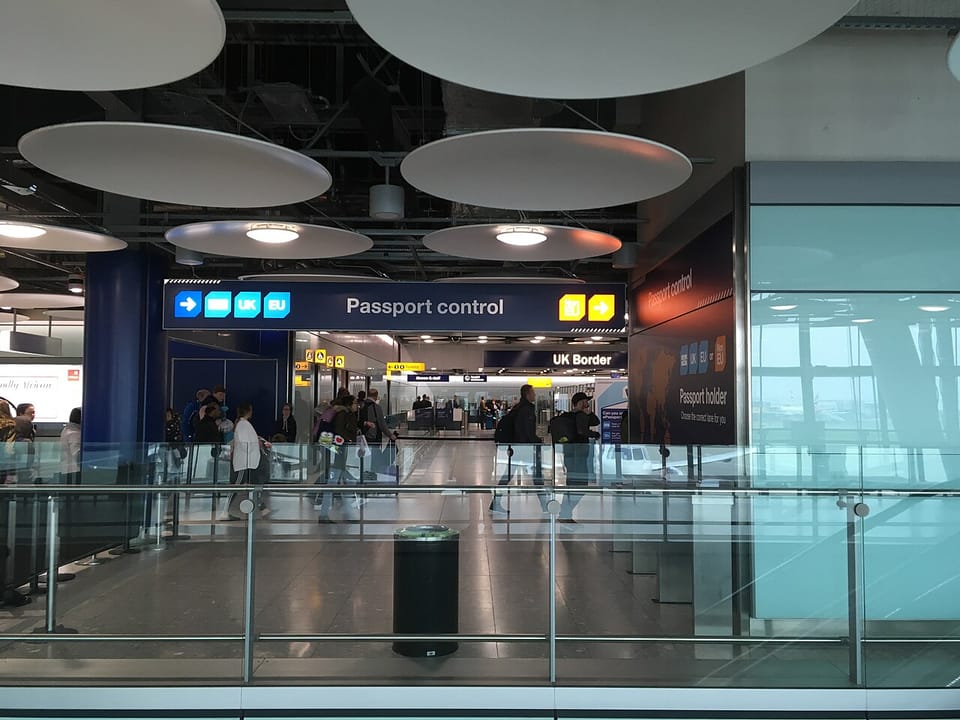
A quick scene to set the stakes. Late in 2025, two colleagues landed at Heathrow after the same flight from the Gulf. One opened the "view and prove" link on his phone and showed his digital status at the ePassport gate in under a minute. The other — same visa type, same employer — had never created a UKVI account, and spent two hours in manual verification while his ride waited outside. The difference between them was not their immigration status. It was a five-minute account.
What the eVisa actually is (and what it replaced)
The eVisa is not a new visa category and not a new entitlement. It is the form your existing status now takes: instead of a vignette sticker in your passport or a BRP card in your wallet, your permission to stay in the UK lives as a secure digital record linked to you. You view it, prove it and manage it online through your UKVI account.
The transition has been phased since 2024, with the Home Office progressively stopping the issuance of physical documents and moving new grants to digital status by default. By 2026, the direction of travel is no longer in question — the practical questions are all about migration: who needs an account, which document unlocks it, and what replaces the old habits (photocopying the BRP, carrying it to interviews) that residents built up over a decade.
Who needs what: the situation table
Your path to a working eVisa depends on where you stand today. Find your row:
| Your situation | Your old document | What you do in 2026 |
|---|---|---|
| Long-term resident with a BRP (valid or expired) | Biometric Residence Card/Permit | Create a UKVI account and link it to the BRP before the window closes (24 months after expiry, or 31 December 2026) |
| Recently granted a visa with no physical document | None — digital since issuance | Create the account using the official arrival/decision email you received, then test it |
| Application still in progress | Receipt with GWF or UAN reference | Keep those references safe; you will need one when you create the account after the decision |
| Status changed recently (study to work, for example) | Multiple decisions on file | Link the account to your current active status, and report any outdated display via the error service |
| Family members and dependants | Status tied to the main applicant | Every adult has their own separate account — there is no family account |
Read the last row twice, because it is the single most common trap: each adult needs their own UKVI account. A family of four travelling on four passports does not travel on one account. We will come back to this when we talk about airports.
What you need before creating a UKVI account
The account creation is free — the government says this explicitly — and it needs exactly four things. Any missing item stalls the process halfway through, so prepare them in order:
- A phone number in your own name that can receive verification codes. A UK, Gulf, African or South Asian number all work as long as it is active.
- An email address you will still control in five years. This is your recovery key; losing both the number and the mailbox is how people lock themselves out.
- Your current passport, because your identity documents link to the account.
- One of four reference numbers: a GWF number, a UAN reference, a BRP number, or an expired BRP (usable within the window explained above).
That fourth item is where the deadline pressure lives. An expired BRP remains valid for account creation purposes until 24 months after its expiry date or until 31 December 2026, whichever comes first. If your card expired in early 2025, your window is now measured in weeks, not years.
For rare cases where a person holds none of these documents at all, the Home Office provides a dedicated no-identity-document process, explained in its official eVisa support videos collection (last updated January 2026).
Creating the account: every step, in order
- Go to the official set up a UKVI account page and start the service.
- Enter your email address, choose a strong password, and confirm the email via the link you receive.
- Register your phone number, receive a verification code, and enter it promptly.
- Choose how to link your identity: current passport, or BRP (valid or expired within the window).
- Enter the document details character by character — numbers and dates exactly as printed, not as you remember them.
- Link the document to your immigration status using your arrival or decision date.
- Wait for the confirmation that your account is ready — often minutes in straightforward cases.
- Test it immediately: sign in to view and prove your immigration status and confirm your name and status display correctly.
Source: UK Home Office official YouTube channel — part of the GOV.UK eVisa support videos collection
Take a screenshot of the "account working" page and file it with your records; refresh the screenshot whenever you change documents or details. A border officer who sees a complete screen moves on. A blank phone starts a conversation you do not want.
Proving your status: how share codes work
The first place you will likely need the account is not the airport — it is a job interview or a tenancy application. The official mechanism is a share code:
- From the view-and-prove page, request a code. It is valid for 90 days from generation.
- Give the code to the employer or landlord, who enters it into the government checking service and sees your status and your right to work or rent.
- The code reveals your permission — not your application history, not refusal letters, not your full personal file.
- Generate a fresh code each time you need one; there is no quota and no fee.
The discipline that matters: do not generate codes "for later" — a code minted today is dead in December. Generate it when the employer asks, and it will always be valid.
What your employer actually sees when they check the code
Privacy-conscious readers ask the right question: how much of my file am I exposing? Less than you fear. The checking service shows the employer whether you have the right to work in the UK, the form of your permission, and when that permission expires. It does not show your previous applications, the reasons for any past refusal, or your broader personal data. The design is deliberately narrow: employers discharge their legal compliance duty, and you do not hand over a life story.
Two habits follow from this. First, never "solve" a status check by emailing a full copy of your decision letter — it discloses far more than the code does and bypasses the official channel. Second, generate the code before the interview, not after the offer: conditional offers occasionally go to the faster candidate, and a one-minute code should never be the reason you lose a race.
Travelling on an eVisa: the airport reality
The border is where digital status wins or loses its reputation. The official rules are short and worth memorising:
- Your UKVI account details must match the passenger information your airline transmits before the flight — the passport linked to your account is the passport you fly on.
- Carry the passport linked to your account. The paper document is no longer required; the passport absolutely is.
- Dual or multiple nationals: add every passport to the account. The Home Office is explicit that the system matches the travel document you present against the one on file.
- If a border officer asks, open the view-and-prove page and show your status — the same link your employer used.
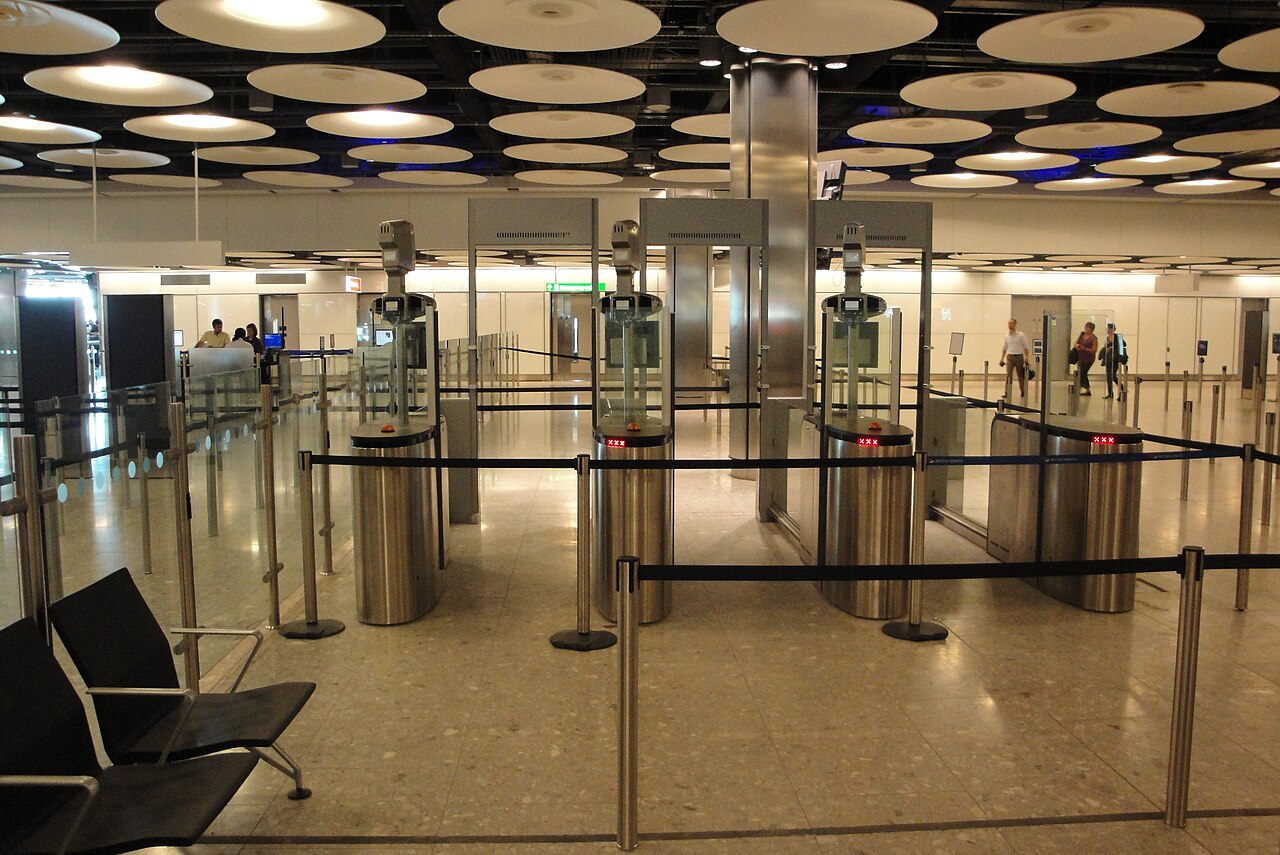
Planning a new passport this year? Sequence it deliberately: renew before your travel season, then add the new document to your account immediately upon receiving it. Flying on a passport that is not on your account is the most reliable way to meet the manual-verification room. And whatever your travel plans, don't leave insurance to chance — our travel insurance for the UK guide explains what visitors' policies actually cover.
Families and students: two groups with extra homework
Every adult in the family needs their own account — a spouse is not covered by the main applicant's login. The failure mode is predictable: a family flies out for Eid or Christmas and discovers at check-in that one spouse's status cannot be shown because "we always used the husband's account." Allocate one evening: three adults, three accounts, three tests, one saved screenshot each. Children's status is handled through the parent's record, so the adults are the whole job.
Students face a double dependency. Your university is a licensed sponsor that confirms your status for enrolment and compliance purposes, so a broken account — a misspelled name, a status that will not display — can surface at registration week rather than at the border. Create and test the account before the academic year starts, and bring a fresh share code to any meeting with the international office. Sponsor checks, employer checks and border checks all read the same record; make it correct once and all three go smoothly.
Common account errors and the official fix timelines
Mistakes happen; what matters is knowing the official clock. The Home Office publishes two turnaround commitments:
| Error type | Examples | Official fix time | What you do |
|---|---|---|---|
| Simple account details wrong | Old photo, contact details, minor input errors | Up to 5 working days | Update via the update your details service |
| Serious errors in your status | Your name or the immigration status itself | Up to 15 working days | File a report an error with your eVisa claim with documents |
Hard-won advice from those who have been through it:
- Never create a second account "to test". Duplicated accounts are the top self-inflicted wound; the remedy is the official recovery route, not a fresh registration.
- Changed your phone number? Update it the same day. A dead number plus a forgotten mailbox equals a locked account.
- Photo out of date? Update it in the account itself — the support video collection includes a step-by-step for exactly this.
- New passport? Add it as a new identity document and only remove the old one after the new link is confirmed working.
Five practical tips before you press "register"
- Use a computer, not an ageing phone. The gov.uk pages are heavy, and a browser crash mid-entry on sensitive fields is misery.
- Use a "for life" email address. A work email you lose at the next job takes your recovery key with it.
- Enter data calmly. Most errors above trace back to rushed typing at a departure gate or a busy office. Passport open, character by character.
- Document everything as you go. One folder, screenshots of every success screen, decision emails saved — it is your memory when a dispute appears a year later.
- Never register on travel day. The people opening accounts at the departure gate are the people in the verification room. Give it a week's buffer.
The glossary you will meet on every page
| Term | What it actually means |
|---|---|
| UKVI | UK Visas and Immigration — the Home Office directorate behind your account and status |
| UKVI account | Your personal login for viewing and managing your immigration status |
| eVisa | The digital record of your immigration permission |
| View and prove | The service you open to show your status to anyone official |
| Share code | A 90-day code giving an employer or landlord a narrow view of your status |
| BRP | The old Biometric Residence Permit card — being phased out |
| GWF | A reference number for a visa application made from outside the UK |
| UAN | An alternative application reference — either usually works at registration |
| Home Office | The UK interior ministry — publisher of the services and videos linked here |
Keep a screenshot of this table on your phone. You will reread it during your first HR call and your first border crossing, and you will understand what is being asked the first time.
Frequently asked questions
Is a UKVI account really free to create?
Yes — completely free, by explicit government statement. There is no creation fee, no share code fee, and no fee to update your details. Any site or agent charging for "eVisa registration" is reselling free government steps, and some are harvesting your data on top. Transact only with gov.uk and its official service domains.
Can I still use my expired BRP to create a UKVI account?
Yes, within a defined window: until 24 months after the card's expiry date, or until 31 December 2026, whichever comes first. A card that expired in early 2025 is approaching that limit now, so treat this as urgent rather than optional. If you hold no BRP at all, use your GWF or UAN application reference instead.
What is an eVisa share code and how long does it last?
A share code is a temporary code you generate from the view-and-prove page so an employer or landlord can check your right to work or rent through the official government service. Each code is valid for 90 days from generation. It shows your permission, not your full history, and you can generate a new one whenever a fresh code is needed.
How do I prove my immigration status to a UK employer?
Send the employer a valid share code generated from your view-and-prove page; they enter it into the Home Office checking service and receive confirmation of your right to work and its expiry. This is the accepted replacement for providing BRP photocopies. Some registered employers read status directly — ask HR before generating a code they may not need.
How do I travel to the UK with an eVisa and no physical document?
Fly on the passport linked to your UKVI account, make sure the airline transmits that passport's details, and show the view-and-prove page if a border officer asks. Dual nationals should add every passport to the account before travel. The physical document is no longer required, but an up-to-date screenshot is a sensible backup.
How long does it take to fix an error on my eVisa?
Simple account-detail errors are corrected within 5 working days through the update service; serious errors involving your name or immigration status can take up to 15 working days through the eVisa error report. File once, with complete documents — incomplete submissions are the main reason timelines stretch.
Did BRPs really end for good in 2026?
New physical documents stopped being issued as the transition progressed, and existing cards expire on their own dates, with the expired-card account-creation window closing by 31 December 2026. The official direction is fully digital, and any category-specific exceptions would be announced only on gov.uk. Registering now removes you from the transition's edge cases.
What if I lose access to my account?
Use the official account recovery route via gov.uk, which verifies your identity and restores access. Do not register a new account — duplicates complicate your file. This is why the two foundations of the whole system are a durable email address and a current phone number; update both the day they change.
Your first week after creating the account
Day one: test sign-in on your phone and a computer, bookmark the view-and-prove page. Day two: read your name character by character against your passport and check your status dates. Day three: update your photo if it is old or unclear. Day four: add your second passport if you hold more than one nationality. Day five: send a status screenshot to someone you trust, so a second pair of eyes knows what a healthy account looks like. Before any trip: fresh share code for any new employer, updated passport on file, current screenshot. The whole routine is fifteen minutes spread across a week, and it removes ninety percent of the border and hiring friction people write long forum posts about.
Your UK file does not begin and end with the eVisa, either. For the bigger picture, our guides cover the Skilled Worker visa salary thresholds for 2026, the Global Talent route, and the Innovator Founder route for startup founders. For opportunities beyond the UK, Truescho collects scholarships, jobs and internships worldwide with smart filters — and expert consultants can pressure-test your plan before you pay a single government fee.
Sources
Every factual claim in this article traces to one official page below — not to forum threads or second-hand summaries:
- GOV.UK — eVisa: the official guide — the primary reference for every rule cited above
- GOV.UK — Set up a UKVI account — official registration steps
- View and prove your immigration status — the status display service
- Update your UKVI account details — detail corrections
- Report an error with your eVisa — serious error claims
- GOV.UK — eVisa support videos — official video collection, updated January 2026