
OpenAI DevDay 2026 Recap: All 20+ Announcements Explained
Last updated: October 2026
OpenAI DevDay 2026 ran on September 29, 2026 — nine days ago now. If you missed the livestream, or caught a headline or two and lost track of the deluge that followed, this guide puts the whole event in one place: what OpenAI actually announced, what shipped immediately, and what it means for the way you work with AI.
It was OpenAI's biggest DevDay yet, with more than 20 major announcements spanning ChatGPT, Codex, new models, and entirely new ways of working with AI. Two threads run through all of them: agents that take on ongoing responsibilities instead of one-off tasks, and ChatGPT opened as a shared surface where developers build for its 1.2 billion weekly users.
Source: OpenAI official YouTube channel
Source: OpenAI
The through-line: agents with jobs, and ChatGPT as a platform
Strip away the product names and DevDay 2026 had a single argument behind it. AI agents should hold ongoing responsibilities — monitoring, organizing, following through — rather than dissolving into nothing the moment a chat ends. And ChatGPT, already the default AI surface for a huge share of the world, should behave like a platform where humans and agents collaborate and where developers ship native experiences.
Everything below is that argument turned into shipping software. Some of it is available now, some is phased by plan and market, and the honest caveats are listed near the end of this guide.
1. The models: GPT-6.1 Sol and Astra Ultrafast
The model news led the stage. GPT-6.1 Sol, the newest step in the Sol line, was announced at the event, with its own title card in the official recap. Astra Ultrafast joined it, and is already available across ChatGPT, Codex, and the API.
The lineage matters for understanding the naming. The Sol and Luna pair launched as the conversation-tuned GPT-6 models — our GPT-6 Sol and Luna explainer covers the split — while the Astra line began with last month's launch for paying customers, covered in our GPT-6 Astra report. For the deep dive on the new flagship, see our dedicated GPT-6.1 Sol launch coverage.

Source: OpenAI
2. Dots: always-on agents
Dots are the clearest expression of the event's thesis — agents that, in OpenAI's words, learn what matters to you and keep working on your behalf continuously. Rather than waiting to be prompted, a dot maintains context over time and acts inside it.
Availability is staged rather than universal. Dots are open to Pro and Business Premium accounts in eligible markets, and they exist as a pilot for Enterprise, Education, and Healthcare organizations — enabled by administrators and off by default. We cover the product in depth in our OpenAI Dots coverage.
3. Codex everywhere: desktop, phone, and cloud
Codex was repositioned as something you carry with you: on your computer, remote from your phone, or in the cloud. The cloud side introduces reusable development environments that carry team-approved settings and permissions, so an environment once configured becomes the team's standard workspace.
Access spans Plus, Pro, Business, Healthcare, Education, and Enterprise plans. Around the core, OpenAI announced Codex CLI for the terminal, code review workflows, and Codex Security Cloud, a dashboard for security findings discovered across your codebase.
4. ChatGPT Spaces and the collaboration push
ChatGPT Spaces turn the app into a shared team workspace — a place where a team works alongside ChatGPT and its dots, with shared knowledge that stays with the space and organization that follows your instructions automatically.
Spaces include collaborative Pages, collaborative presentations, and shared teams and tasks, and they are available for Pro, Business, and Enterprise plans on the desktop app and the web. The mobile app supports reading and sharing, with creation on mobile coming later.
The collaboration theme extended beyond Spaces. @ChatGPT arrived in Slack and Microsoft Teams, a Meetings plugin can drop a meeting summary into your chat and take task requests, and shareable profiles let users publish their creations.
5. The open platform: plugin extensions, Sites, and MCP events
The biggest structural change for builders: plugin extensions. A plugin can now claim a home in the ChatGPT sidebar, run interactive panels alongside the conversation, and register viewers for file types — available on all plans, with Canva, Figma, and Shopify shown as the official examples.
Two companion announcements deepen the platform. Sites with connected extensions let you build sites that plug into those extensions, and MCP events wire extension activity into automations, so a change in one tool can trigger work in another without custom glue code.
6. For developers: Decisions API, Agents API computer use, and AWS Bedrock
The developer track had three pillars. The Decisions API was announced with its own dedicated presentation, published as a separate official video on October 6. The Agents API gained computer use, letting an agent operate a machine directly. And managed agents arrived on AWS Bedrock, a joint OpenAI and AWS offering.
One more item matters for regulated teams: Private Safety Processing, plus project policies with Zero Data Retention and documented external storage options. Together they give compliance teams the knobs they usually have to negotiate for.
7. Identity and marketplace: Sign in with ChatGPT, Pro 500, and 16 partners
Sign in with ChatGPT turns an OpenAI account into a login method for third-party apps — the official example is the app Dactyl — and it is available globally. For developers across emerging markets, a login button with a billion-plus user base behind it is a serious distribution lever.
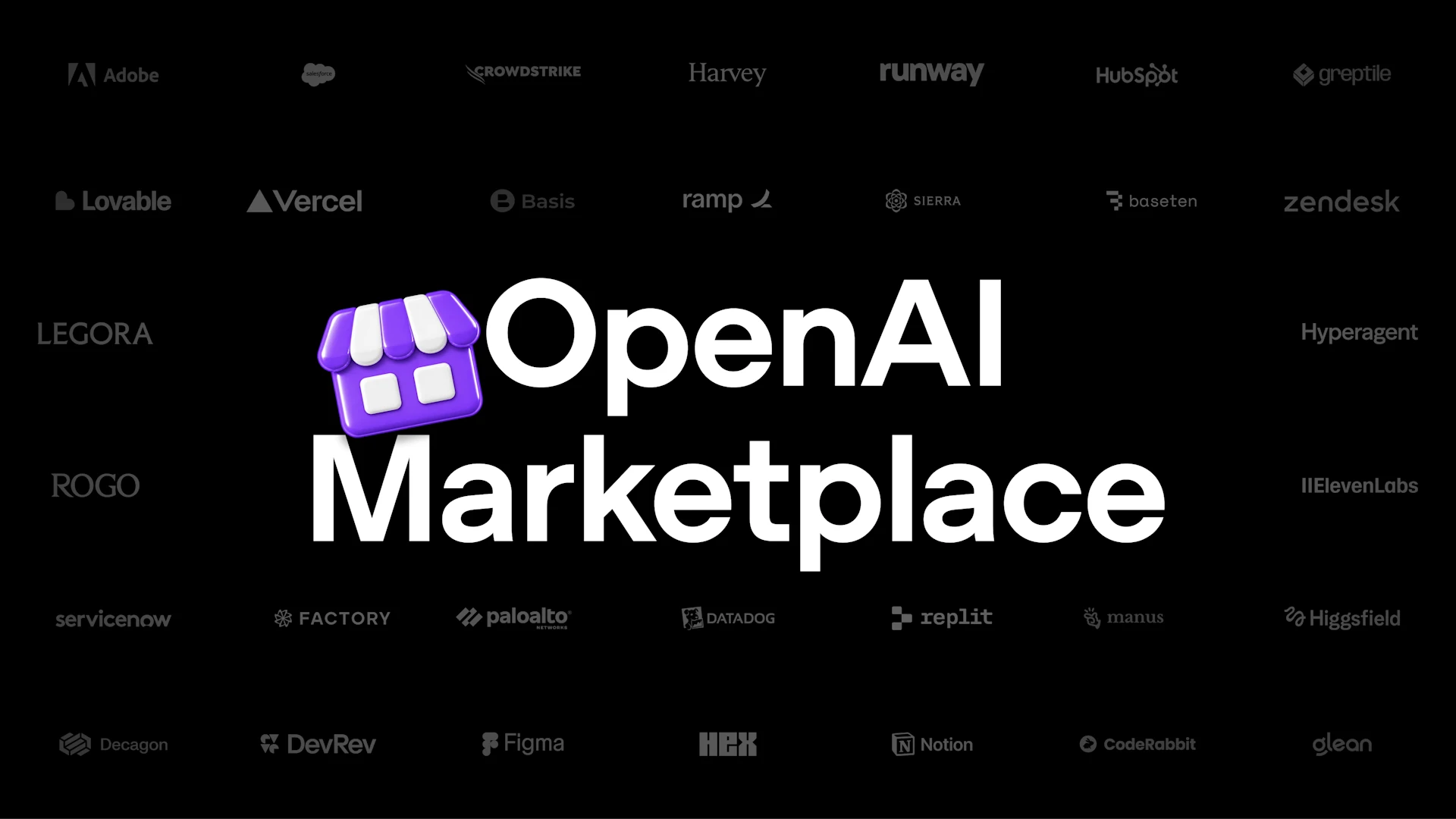
The OpenAI Marketplace lets subscribers spend their existing plan's credit inside third-party tools. It launched with 16 partners, including Devin from Cognition, Notion, Vercel, T3, OpenClaw, and Dactyl, with per-tool quota controls so you decide where your budget goes. Identity is global; using plan credit applies to Plus and Pro in participating tools.
Source: OpenAI
A new subscription tier, Pro 500 with Ultrafast, was announced on an official card. Pricing details rest with OpenAI — the recap does not list a price, so treat any figure you see elsewhere as unconfirmed.
What the community said
The developer community's reaction, tracked in a compact Hacker News thread of 95 points and 48 comments, was mixed in an instructive way. The Dots announcement reportedly drew cheers from the live audience before anyone knew exactly what Dots were — enthusiasm first, specifics later.
Criticism focused elsewhere. One commenter called a reset-button moment during the demos embarrassing, some announcements landed flat, and a running argument formed around Pro 500 pricing, with skeptics calling the tier a hard sell against cheaper frontier-model access. Observers also noted the Decisions API appeared roughly two weeks after a competitor named Jev announced something similar — a community observation, not an official one. The recurring question: why does Chat run Sol rather than the stronger GPT-6.1 Sol?
What this means for you
If you are a student, the practical wins are shareable profiles for your work, and — on Pro — Spaces for group projects where notes, presentations, and tasks live in one place with shared context your whole team can query.
If you are a developer, this was the deepest DevDay in years: computer use in the Agents API, the Decisions API, managed agents on AWS Bedrock, and Sign in with ChatGPT as a global login option all shipped from one event. Our Agents API coverage tracks the platform side in detail.
If you run a small business, the Marketplace changes the subscription math — one Plus or Pro plan's credit now stretches across 16 tools — while @ChatGPT in Slack and Teams plus the Meetings plugin push ChatGPT into where your team already works. If the higher tiers are priced out of reach, shared ChatGPT Plus subscriptions from the Truescho shop are the budget-friendly way in.
And the platform keeps moving: this week GPT-6 itself reached every ChatGPT tier, including the free one — our GPT-6 Intelligent UI report covers that rollout.
Quick comparison: your AI stack before and after DevDay
| Part of your stack | Before DevDay 2026 | After DevDay 2026 |
|---|---|---|
| Daily AI assistance | One conversation at a time | Always-on Dots with ongoing responsibilities, on eligible plans |
| Coding with AI | Codex from wherever you set it up | Codex on desktop, phone, and cloud, plus CLI, code review, and Security Cloud |
| Teamwork | Separate docs, chats, and notes | ChatGPT Spaces with shared knowledge, Pages, presentations, and tasks |
| Tools and plugins | Features confined to a conversation | Plugin extensions in the sidebar, interactive panels, Sites, and MCP events |
| Developer platform | APIs you wire together yourself | Decisions API, computer use in the Agents API, managed agents on AWS Bedrock |
| Accounts | Every app builds its own login | Sign in with ChatGPT, available globally |
Limitations worth knowing
- Dots are not global yet: eligible markets only, and for Enterprise, Education, and Healthcare they remain a pilot that administrators must enable — off by default.
- Spaces on mobile are read-and-share only; creating spaces from the mobile app is coming later.
- Marketplace plan usage applies to Plus and Pro in participating tools — the sign-in identity is global, but spending plan credit is not universal.
- Pro 500 pricing was not published in the recap, so budget nothing until OpenAI confirms figures officially.
Frequently asked questions
What did OpenAI announce at DevDay 2026?
More than 20 major announcements, headlined by GPT-6.1 Sol and Astra Ultrafast, the always-on Dots agents, Codex across desktop, phone, and cloud, ChatGPT Spaces, plugin extensions, Sites, Sign in with ChatGPT, the Decisions API, and the OpenAI Marketplace with 16 launch partners.
What are OpenAI Dots?
Dots are OpenAI's always-on agents — they learn what matters to you and keep working on your behalf continuously, rather than handling one request at a time. They are available for Pro and Business Premium in eligible markets, and as an admin-enabled pilot for Enterprise, Education, and Healthcare, off by default.
Is ChatGPT Spaces available on mobile?
Partially. Spaces work on the desktop app and on the web for Pro, Business, and Enterprise plans, and the mobile app supports reading and sharing them. Creating spaces from the mobile app is coming later, according to the official DevDay 2026 recap page.
What is the OpenAI Marketplace?
A way to spend your existing ChatGPT plan's credit inside third-party AI tools. It launched with 16 partners — including Devin from Cognition, Notion, Vercel, T3, OpenClaw, and Dactyl — with per-tool quota controls. Sign-in is available globally, and plan usage applies to Plus and Pro.
What is the Decisions API?
One of the developer announcements from DevDay 2026, presented with its own dedicated official video that was published on October 6, 2026. It joins computer use in the Agents API and managed agents on AWS Bedrock as the event's main developer-infrastructure news.
The short version
- GPT-6.1 Sol and Astra Ultrafast headline the model lineup, with Astra Ultrafast live in ChatGPT, Codex, and the API.
- Dots are always-on agents — Pro and Business Premium in eligible markets, admin-gated pilots for Enterprise, Education, and Healthcare.
- Codex now runs on desktop, phone, and cloud, with reusable team environments, the CLI, code review, and Security Cloud.
- ChatGPT Spaces add shared team workspaces with Pages, presentations, and tasks — desktop and web first, mobile creation later.
- Plugin extensions give tools like Canva, Figma, and Shopify a home in the sidebar, alongside Sites and MCP-event automations.
- Developers get the Decisions API, computer use in the Agents API, managed agents on AWS Bedrock, and stronger data controls.
- Sign in with ChatGPT is global, and the OpenAI Marketplace spreads one plan's credit across 16 partners.
- Pro 500 arrives with Ultrafast — pricing rests with OpenAI until officially confirmed.
If you want to start using this stack without the full subscription bill, shared ChatGPT Plus plans from the Truescho shop fit a student or freelancer budget.
Sources
- OpenAI — DevDay 2026 recap — the official recap page listing every announcement
- OpenAI on YouTube — official DevDay 2026 videos, including How OpenAI Puts ChatGPT to Work
- OpenAI — Decisions API presentation — the separate official Decisions API video, published October 6, 2026
- OpenAI — GPT-6 for everyone — the GPT-6 rollout that reached all ChatGPT tiers the following week