

Roughly 82% — that is the cost reduction OpenAI and AWS jointly reported when running GPT-5.6 Terra inside the Kiro editor on the Terminal-Bench 2.1 benchmark. The number is not a marketing slogan; it is the headline finding of an announcement published on August 24, 2026, titled "Advancing price-performance for developers with GPT-5.6 in Kiro." The full GPT-5.6 family — Sol, Terra, and Luna — is now available inside Kiro, Amazon's agentic IDE, completing an unusual equation: OpenAI's most capable models running inside an Amazon tool, at price points that put the combination in direct competition with Cursor and GitHub Copilot. This deep-dive — last updated August 2026 — puts the news in context, breaks down Kiro's real pricing table number by number, compares it with the tools developers actually pay for today, and lays out the honest limitations before you spend a single dollar.
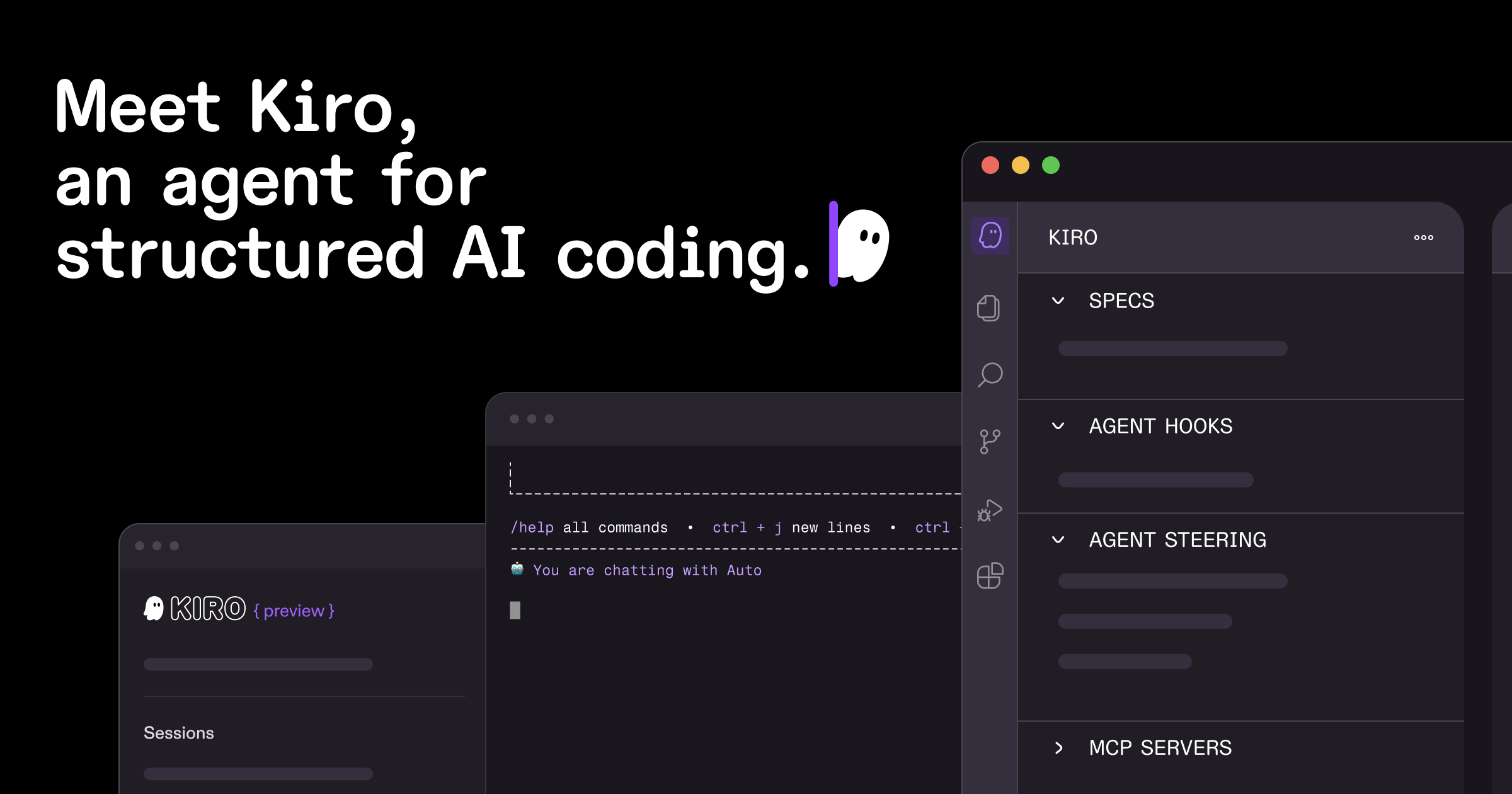
Source: Kiro official website
The Full Story: From Announcement to Details
The official OpenAI blog post makes clear that this is not a routine "new model added to the dropdown" update. It is a two-sided optimization: GPT-5.6 models on one side, and the Kiro environment itself tuned for them on the other. The announcement states that "OpenAI and AWS have also worked together to optimize the Kiro environment and OpenAI models," and that testing on Terminal-Bench 2.1 showed GPT-5.6 Terra completing successful tasks at roughly 82% cost reduction.
Why does this matter? Because "more performance per dollar" is precisely what independent developers and small teams have been shopping for in 2026, after two years of climbing subscription prices for AI coding tools. And this is not the first chapter of the story: we have tracked the launch of GPT-5.6 itself with its three models, its arrival in free ChatGPT through Luna, and the Cerebras ultrafast edition serving 750 tokens per second. The family's arrival in Kiro extends the pattern — but with pricing details that deserve a close look.
What Exactly Is Kiro, and How Does It Differ From Cursor?
Kiro is a full agentic development environment launched by Amazon Web Services in the summer of 2025; its official tagline is "Move beyond AI coding to agentic engineering." The core difference from traditional "smart autocomplete" editors is a methodology the company calls spec-driven development: instead of typing a vague instruction and hoping for good code, Kiro turns your high-level intent into structured artifacts — requirements, a technical design, and executable tasks — and then the model executes them while you review its work at defined checkpoints before any change lands.
Historically, Kiro launched on Anthropic's Claude models, and its current model roster still includes, alongside the new OpenAI arrivals: Claude Opus 5, Opus 4.8, Sonnet 5, Sonnet 4.6, Sonnet 4.5, and Haiku 4.5, plus open-weight models such as DeepSeek 3.2, MiniMax M2.5, GLM-5, and Qwen3 Coder Next. A developer today therefore has a genuine head-to-head between the two strongest names in the industry inside a single tool — which is a story in itself.
For those following the broader race in developer tooling, we have documented a similar shift with Grok Build going free for everyone and Replit's Free Mode shipping GPT-5.6 Luna — the market is unmistakably moving toward cheaper, more open options.
The Three Models Inside Kiro: Who Does What?
According to Kiro's official models documentation, the default experience is an agent called Auto, which mixes multiple frontier models with specialized models depending on the task type, balancing quality, latency, and cost. Developers who want manual control can now — for the first time inside an Amazon environment — pick directly from:
- GPT-5.6 Sol: the flagship tier for complex, deep-reasoning work.
- GPT-5.6 Terra: the performance-per-dollar workhorse — the model behind the reported 82% cost reduction on Terminal-Bench 2.1 inside Kiro specifically.
- GPT-5.6 Luna: the lighter, faster option for everyday simple tasks.
- Plus the full Claude lineup and the open-weight models listed above.
The pricing documentation offers an important worked example: a task that consumes X credits through Auto consumes 1.3X through Sonnet 4.6. In other words, every model carries a "multiplier" that determines how many credits it burns, and AWS has not yet published the precise multiplier table for Sol, Terra, and Luna — a detail worth checking before you upgrade your plan if your usage is heavy.

Source: Kiro models documentation
Kiro's Official Pricing Table, Number by Number
These figures are published verbatim on Kiro's official pricing page (pre-tax):
| Plan | Monthly price | Monthly credits | Notes |
|---|---|---|---|
| Kiro Free | $0 | 50 credits | Perpetual tier; open-weight models + Claude Sonnet 4.5 with limits; social login or AWS Builder ID |
| Pro | $20 | 1,000 credits | Best fit for the individual developer |
| Pro+ | $40 | 2,000 credits | For larger projects |
| Pro Max | $100 | 5,000 credits | Heavy usage |
| Power | $200 | 10,000 credits | Demanding teams |
Operational fine print from the same page: add-on credits cost $0.04 per credit on all paid plans; your first upgrade earns you a $20 credit if you signed up via social login or Builder ID; billing runs on the first day of each calendar month and requires a credit card; and the government GovCloud edition costs roughly 20% more with no free tier.
And what is a "credit"? Kiro's unit of work: a simple prompt may consume less than one credit, complex operations (such as executing a full spec task) consume more, and metering runs to two decimal places, with 0.01 credits as the smallest unit.
Quick Comparison: Kiro vs the Tools You May Already Pay For
| Criterion | Kiro (with GPT-5.6) | GitHub Copilot | Cursor | Grok Build |
|---|---|---|---|---|
| Headline models | GPT-5.6 Sol/Terra/Luna + Claude Opus 5 + open weights | OpenAI, Claude, and others | Multiple selectable models | Grok |
| Philosophy | Spec-driven agentic engineering first | Completion and chat assistant | Highly customizable smart editor | Instant app-building for everyone |
| Free tier | 50 perpetual credits | Free with limits | Free with limits | Yes |
| Paid entry | $20/month | $10/month | $20/month | Within xAI subscriptions |
| Standout strength | Requirements-to-tasks pipeline with checkpoint review | Deepest GitHub integration | Fast, polished editing experience | Easiest entry point for non-developers |
The practical takeaway: if you belong to the "write a spec, then execute" school and want to review an agent's work at defined checkpoints, Kiro's methodology was built for you. If raw editing speed or the cheapest possible deal is your priority, the field is wide open — and the ultimate winner is the developer.
What This Means for Developers Worldwide
- Availability. Kiro is available globally with no announced regional restrictions; signup works through social login or AWS Builder ID, and the free tier (50 credits) requires no card at all — meaning you can try an agentic environment today without any payment.
- Payment. Upgrades require an international credit card billed in US dollars, and listed prices are pre-tax — factor in your local VAT when comparing plans.
- Language. The environment and documentation are English-first, which does not prevent the models from writing or reviewing code that contains non-English comments, though precise English prompts still yield the best results.
- Who is it really for? Independent developers and small teams looking to cut agent costs while keeping GPT-5.6-class quality — especially anyone currently paying a separate API provider at higher effective rates. If a light free model covers your small tasks, the free tier is an excellent starting point.
Honest Limitations You Should Know
- The 82% figure is context-specific. The official measurement comes from Terminal-Bench 2.1 with Terra inside the optimized Kiro environment; your numbers on your projects will vary with task mix and model choice.
- Multipliers for the new models are not fully published. The Sonnet 4.6 example (1.3×) is documented, but the complete Sol/Terra/Luna table was not on the pricing page at the time of writing — measure your first month before committing to a higher plan.
- Kiro is the newest of the contenders. A rigorous agentic methodology means a slightly longer learning curve than pressing Ctrl+K in Cursor.
- Model loyalty is not exclusive. GPT-5.6's presence does not make it automatically better than Claude Opus 5 on every task — in practice each model wins different jobs, and Auto tries to choose for you.
- Monthly USD billing only. No discounted annual plans were announced at the time of writing.
How to Get Started in 10 Minutes
- Go to the official Kiro site and sign up with a social account or AWS Builder ID — the Free plan is enough for a trial and asks for no card.
- Create your first project and open spec mode: write what you want built as a clear requirement.
- Let Kiro generate the technical design and tasks, and review them before execution — this is the core strength.
- Try switching between Auto and Terra on the same task and watch credit usage in the subscription dashboard (updated at least every 5 minutes).
- As you approach your plan limit, check the usage report and decide: a higher plan, add-on credits at $0.04, or rescheduling the heaviest tasks.
How to Actually Migrate From Your Current Tool
A casual trial is one thing; daily reliance is another. If you decide to give Kiro a serious shot after the free credits, here is a practical one-week migration plan:
- Days 1–2: one small real project, not a toy. Pick a task from an existing codebase (a small feature, a bug-fix chain) and run it through full spec mode: requirements, then design, then tasks. The goal is measuring "completion time versus credits burned" on genuine work.
- Day 3: compare models on the same task. Execute a similar task through Auto and then Terra and watch quality and consumption in the subscription dashboard — this is how you learn the effective multiplier for your style, not the population average.
- Days 4–5: test the reverse path. Keep your project compatible with your old workflow: one Git repository, the same team conventions, and the ability to return to your previous tool without lock-in. Healthy adoption is reversible adoption.
- Days 6–7: a written financial decision. Record your weekly consumption and compute your optimal plan: does 1,000 credits per month suffice? Are $0.04 add-on credits cheaper than upgrading? The answer differs completely by task size.
A golden rule from real tool migrations: do not abandon your old tool in the same week you adopt the new one; make the first week a parallel experiment, then decide on data rather than impressions.
What This Means for the Developer Job Market
Unlike casual users, the independent developer competes in a global market with local economics — and every reduction in tooling cost flows directly into margin. Three practical observations:
- Cheaper agents reprice small services. Tasks once quoted on "hours of human work" now complete in a fraction of the time; early adopters of cheaper tooling can price more competitively without losing margin — late adopters end up competing with structurally higher costs.
- Payment rails remain the gate. Kiro plans require an international card, and local VAT should be included when comparing tools — the real difference between $20 and effectively $24 can reorder your shortlist.
- The skill shifts from writing code to writing specifications. Tools like Kiro reward developers who state requirements precisely and review an agent's output with an expert eye — a skill built through practice, not subscriptions.
Frequently Asked Questions About GPT-5.6 in Kiro
When did GPT-5.6 models become available in Kiro?
OpenAI and AWS announced general availability on August 24, 2026, alongside a joint statement about co-optimizing the Kiro environment and the models.
Can I try GPT-5.6 in Kiro for free?
The free plan grants 50 perpetual monthly credits with open-weight models and Claude Sonnet 4.5 within limits; manually selecting GPT-5.6 models is not part of the free tier per the pricing page — the default Auto mode is your first gateway before upgrading.
How much does Kiro cost per month?
Paid plans start at $20/month for Pro with 1,000 credits, rising through $40, $100, and $200 for Pro+, Pro Max, and Power, with add-on credits at $0.04 each.
What does the advertised 82% cost reduction mean?
It is the result OpenAI and AWS reported on Terminal-Bench 2.1: GPT-5.6 Terra completing successful tasks inside the optimized Kiro environment cost roughly 82% less than the reference — a striking figure, but tied to that benchmark context rather than a promise for every project.
Is Kiro better than Cursor?
Each follows a different philosophy: Kiro centers spec-driven agentic engineering with checkpoint reviews, while Cursor excels at fast, customizable editing. The better choice depends on how you work — helpfully, both offer free tiers to test.
Does Kiro support open-weight models?
Yes. Current options include DeepSeek 3.2, MiniMax M2.5, GLM-5, and Qwen3 Coder Next, alongside the GPT-5.6 and Claude families — coverage closely related to the open-models-at-tiny-prices approach we examined in our DeepSeek V4 vision coverage.
Conclusion
GPT-5.6's arrival in Kiro is more than an extra line in a model dropdown; it signals where the market is heading in 2026: the competition has shifted from "who has the strongest model" to "who delivers the most output per dollar." Amazon is opening its agentic environment to OpenAI's models, OpenAI is extending its reach into development environments, and developers worldwide — independents especially — are the first winners, with a no-card free trial and paid plans starting at $20. Try it, measure your consumption on real projects, then decide.
And for those building a career skill by skill, keep sharpening the foundation with real projects — start with the AI and programming courses catalogued on Truescho, because tools change every month while compounding fundamentals stay with you.