
Google's Sign Language to Text: ASL Dictation in Gboard, Explained
Last updated: September 2026
A video meeting is moving fast, and a Deaf employee is typing her response in English while colleagues keep talking — seconds lost on every sentence, her point arriving after the discussion has moved on. That daily experience, lived by millions of sign language users, is exactly what Google's new SL2T technology targets: American Sign Language dictation inside the Gboard keyboard that turns into English text in real time. Google DeepMind announced it on August 12, 2026; it is live now on the Pixel 11 at no extra cost, with more devices promised soon.
This launch is a few weeks old — not breaking news — so this piece is the full picture for anyone arriving late: how the technology works, how accurate it is, which devices run it, and when languages beyond ASL (the question international readers ask most) are likely to follow.
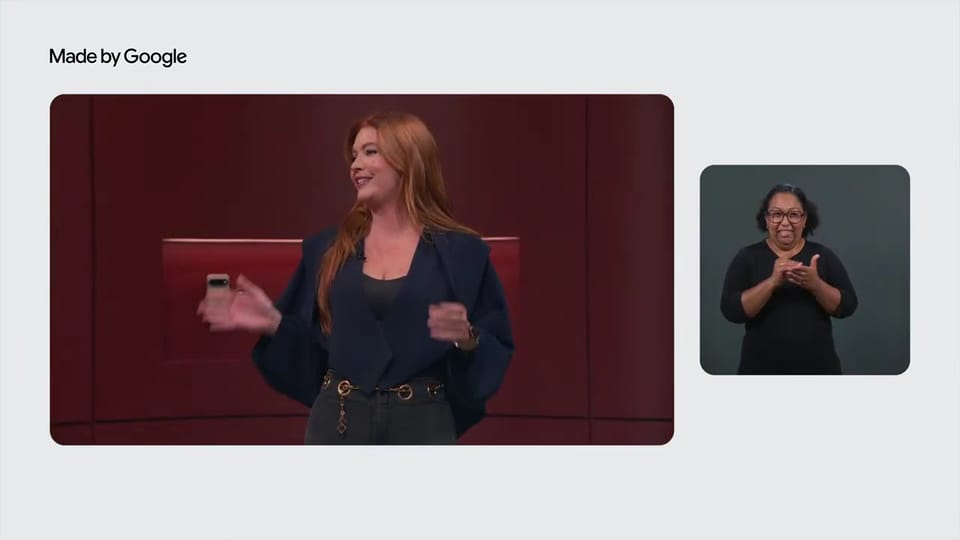
Source: Made by Google official YouTube channel
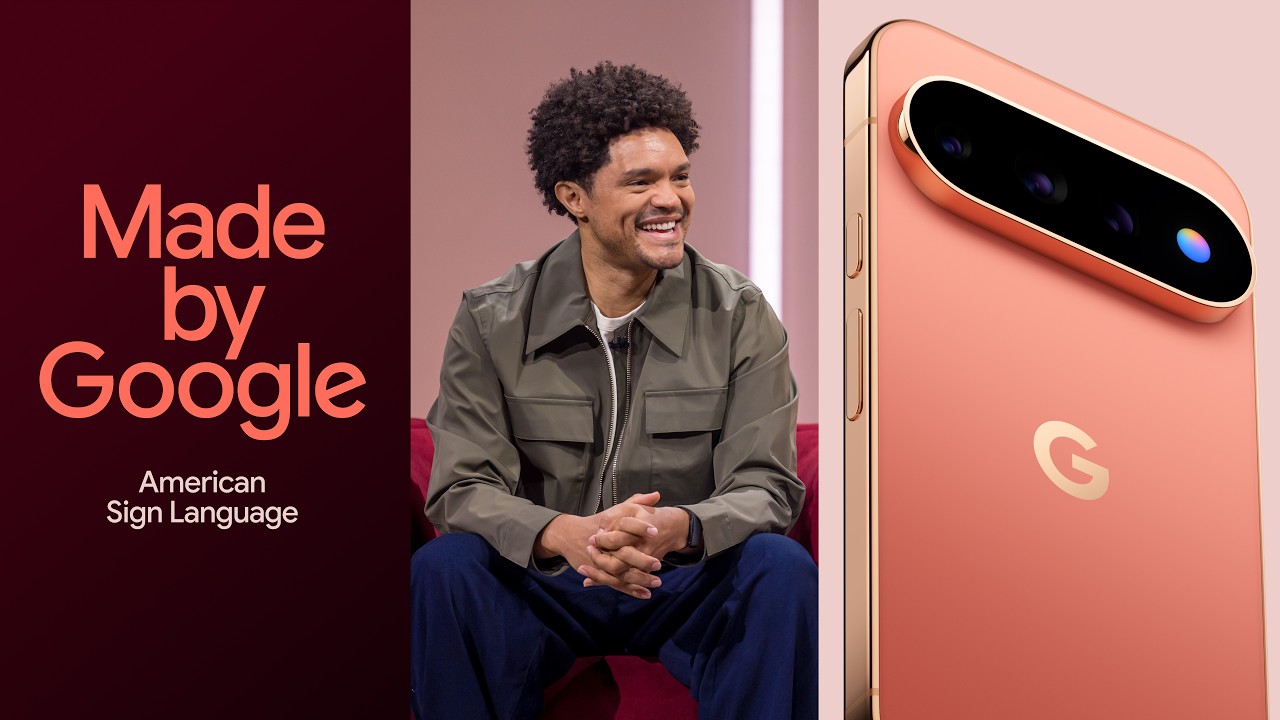
Source: Made by Google official YouTube channel
Why now: thirty years of failed shortcuts
Understanding why the 2026 launch is different takes one minute of history. The first automated sign language translation attempts date to the 1990s, and most centered on electronic gloves that sensed hand motion and mapped it to letters. Those generations drew a double criticism: technically, gloves captured only hand movement while ignoring facial expressions and body position — full grammatical components of sign languages — and socially, they were built by hearing researchers isolated from Deaf people themselves, solving a problem the community had not defined as its own.
Deep learning changed the equation over the past decade: models that watch the entire video — hand, face, and torso together — and learn from millions of examples instead of hand-written rules. The stubborn bottleneck is data scarcity. Sign languages have no written form; there is no sign-language Wikipedia to train on. That is precisely what gives SL2T's training corpus its weight: more than 50 sign languages is among the largest sign datasets ever disclosed in a consumer product, and it is what made direct gloss-free translation practical at all.
For scale: the World Federation of the Deaf estimates roughly 70 million Deaf people worldwide using sign language, across more than 300 distinct sign languages, while the WHO estimates over 1.5 billion people live with some degree of hearing loss. A communication tool aimed at that population was never a niche product waiting to happen — it was a mainstream gap waiting to be closed.
What SL2T actually is
SL2T stands for Sign Language to Text — a large multilingual translation model built jointly by Google DeepMind and the Android team, with researcher Garrett Tanzer among the named leads. The first public release covers American Sign Language to English (ASL→English) through two products:
- Sign dictation in Gboard: sign at your front camera and text appears in the input field — a replacement for typing English when your first language is a visual one.
- Sign replies in Live Transcribe: the app that turns spoken audio into text for Deaf users can now send replies in sign language, completing both directions of a conversation.
One technical detail matters more than it sounds: the model is gloss-free. Older sign-language translation systems first converted signs into an approximate textual gloss notation, then translated the gloss — two layers, each adding errors. SL2T translates from video directly to text in one step, which is a large part of why accuracy jumped.
The accuracy claim is published, not vague: 70 BLEURT in zero-shot evaluation on the FLEURS-ASL benchmark — the highest published result on that benchmark to date, per the official DeepMind announcement. BLEURT scores how close generated text sits to a human reference, and zero-shot means the evaluation ran on data the model was never trained on — evidence of generalization, not memorization.
In Google's testing with Deaf and hard-of-hearing participants, signers described the experience as faster and more natural than typing English. For anyone whose native language is visual rather than spoken, that result was predictable; what changed in August 2026 is that it finally shipped inside a mainstream keyboard.
How to use it, step by step
On supported hardware today:
- Update Gboard to the latest version from the Play Store.
- Open any text field — a chat, notes, email — and switch your active keyboard to Gboard.
- Enable sign dictation from the features menu; the front camera opens.
- Sign in ASL; text accumulates live in the field, editable before you send.
- In Live Transcribe, enable sign replies to answer conversation partners without typing.
Cost: zero. The feature is built into the products with no subscription, confirmed explicitly in the announcement.
The story inside Google: built "with," not "for"
The most important thing about this launch is not a benchmark number — it is how it was developed. The face of the story is Sam Sepah, a Deaf Googler who appears in the official campaign video signing his own experience, and from whom the product vision came: accessibility tools must be built "with" the Deaf community, not "for" them — the phrase repeated in DeepMind's own announcement.
That was not slogan-deep. The team worked with a community advisory committee (AISLAC) and published a joint impact report (PDF) alongside the launch documenting what was tested with real Deaf users and what changed based on their feedback. The methodology stands out in an industry famous for building accessibility features in isolation from the people who use them, then discovering the usage gap after shipping.
Even the model's limitations were disclosed honestly in the announcement itself. The example Google chose for its own error case: fast fingerspelling can confuse similar handshapes — "prey" may surface as "grey" when the letter-by-letter spelling gets quick. Publishing the failure mode in the launch post rather than burying it in a technical appendix is part of the same posture.
What this means for readers outside the US
Here is the direct answer most international readers need: only ASL is supported in this first release. Google trained the model on more than 50 sign languages (roughly 25% of training data was ASL) and says additional languages will arrive later, with no published timeline. Signers of ASL outside the United States benefit from day one; everyone else is waiting for their language's turn.
A few sign languages matter enormously here. Sign languages are not gestural versions of spoken languages — British Sign Language and American Sign Language are mutually unintelligible despite both countries speaking English, and there are hundreds of distinct sign languages worldwide, from Indo-Pakistani Sign Language (used by millions) to Nigerian Sign Language to Vietnamese Sign Language. A 50-language training corpus means the architecture generalizes; which languages ship first is a product decision that has not yet been announced.
What can you do in the meantime?
- For spoken-language translation needs, our Google Translate live features walkthrough covers real-time conversation modes.
- For Arabic speech transcription specifically, see Cohere's Arabic transcription explained.
- For meeting transcription generally, Gemini 3.5 Transcribe produces written records of spoken conversations.
- For voice-first workflows replacing typing, the Gemini Live updates in Gmail and Docs reduce keyboard dependence across Google's apps.
Comparison: communication options available today
| Method | Speed | Other party | Widely available? |
|---|---|---|---|
| Typing in a spoken language | Slow for many signers | Anyone literate | Yes |
| Human sign language interpreter | Natural, fast | Requires interpreter presence | Costly, limited supply |
| SL2T dictation in Gboard | Fast — faster than typing | Anyone who reads the text | Pixel 11, ASL only |
| Speech-to-text (Live Transcribe) | Instant | Other party must speak aloud | Broad language support |
The gap Google is closing, row by row, is two-way conversation without an interpreter physically present.
The three weeks after launch
The August 12 announcement was followed within days by Sundar Pichai personally highlighting the feature in public posts — a signal of its standing inside the company's roadmap rather than a quiet experiment. Google then published an official how-to guide on its blog on August 21 walking through activation steps.
Major outlets (Engadget, NDTV, CNBC TV18, Tech Times) covered the mechanics and the open challenges, with Tech Times singling out the gloss-free architecture as the decisive technical leap. The sustained attention weeks after launch reflects genuine demand: Deaf communities worldwide have waited decades for sign language translation since the first research prototypes of the 1990s.
Within Google's broader season of specialized launches, the feature sits alongside work like WeatherNext 3, the hourly AI weather model we analyzed in our WeatherNext 3 explainer — a pattern of research models built for specific, underserved needs rather than one general-purpose system.
Honest limitations to weigh before relying on it
- Fast fingerspelling errors are real and documented by Google itself (the prey/grey confusion). Letter-by-letter spelling at speed remains the hardest case.
- ASL only, for now. No other sign language is live in the first release, and no timeline has been published.
- Pixel 11 only at launch. Additional devices are "coming soon" per Google, with no official list.
- Not a replacement for certified interpreters. In legal, medical, and formal settings, certified human interpretation remains the required standard; this is a daily-life tool.
- Camera-based input. The feature watches your face and hands continuously during use — review permissions and privacy settings before using it in sensitive situations; Google's announcement does not detail every aspect of video processing.
Frequently asked questions
What is Google SL2T?
Sign Language to Text — a multilingual translation model from Google DeepMind and Android announced August 12, 2026. It converts American Sign Language video into English text in real time, powering sign dictation in Gboard and sign replies in Live Transcribe on supported devices.
How do I enable sign language dictation on Gboard?
Update Gboard to the latest version, open any text field, enable sign dictation from the features menu, then sign in ASL at your front camera — text appears live and can be edited before sending. It is free and currently available on the Pixel 11 first.
Which phones support ASL-to-text?
The Google Pixel 11 is the launch device as of August 2026, with additional Android devices promised "soon" but not yet listed. Watch Gboard's monthly updates on other flagship Android phones for rollout news.
Does Google sign language AI support other sign languages?
Not yet in the shipped product. The model was trained on more than 50 sign languages, but the first release covers only ASL to English. Google says additional languages will come later, without a published timeline for specific languages.
Is Gboard sign language dictation free?
Yes — completely free inside Gboard and Live Transcribe, with no subscription or in-app purchase, confirmed in Google's official announcement.
How accurate is sign language to text AI?
The model scores 70 BLEURT on the FLEURS-ASL benchmark in zero-shot evaluation — the highest published result to date. Google's own documented error case is fast fingerspelling (prey/grey confusion), so reviewing text before sending remains advisable.
Back to that meeting
The employee from the opening — whether she is in California or Lagos or Dubai — now has, if she signs ASL and carries a Pixel 11, a way to answer at the speed of her own language instead of waiting for her fingers on a keyboard that was never hers. The story is not finished: no languages beyond ASL yet, not every device, imperfect accuracy. But the story's direction changed. The biggest AI company on earth built an accessibility feature with its users rather than for them, and published an open impact report documenting how.
When your sign language arrives — and on this trajectory, more will — the question AISLAC asked from day one will still be the right one: was it built with us, or for us?
Sources
- DeepMind's official SL2T announcement — full details, BLEURT results, and limitations
- Made by Google official YouTube channel — the official campaign video
- Google Store — Pixel 11 page — the first supported device
- The joint AISLAC impact report — the development methodology with the Deaf community
Start Your Journey with Truescho
Whether you're searching for a scholarship or planning to study abroad, truescho.com gives you everything you need for study and career planning.
Get Started Free →