
Article 3 ===
Google Pics: AI Image Creation and Editing Arrive Inside Docs and Slides
Last updated: September 2, 2026.
The scene is familiar to anyone who has prepared a deck or a campaign asset: design an image in one tool, edit it in a second, then re-upload everything into the document — losing half an hour to exporting and importing. On September 1, 2026, Google announced Google Pics, a new AI image creation and editing tool built on the Nano Banana model. The genuinely new part is not image generation itself — it is where the tool lives: directly inside Google Workspace, starting with Docs and Slides today and Drive in the coming weeks, rolling out to Google AI Pro and Ultra subscribers and most Workspace business customers. This guide covers what launched exactly as stated in the official announcement, and how it stacks up against Canva.
What Google Pics actually is
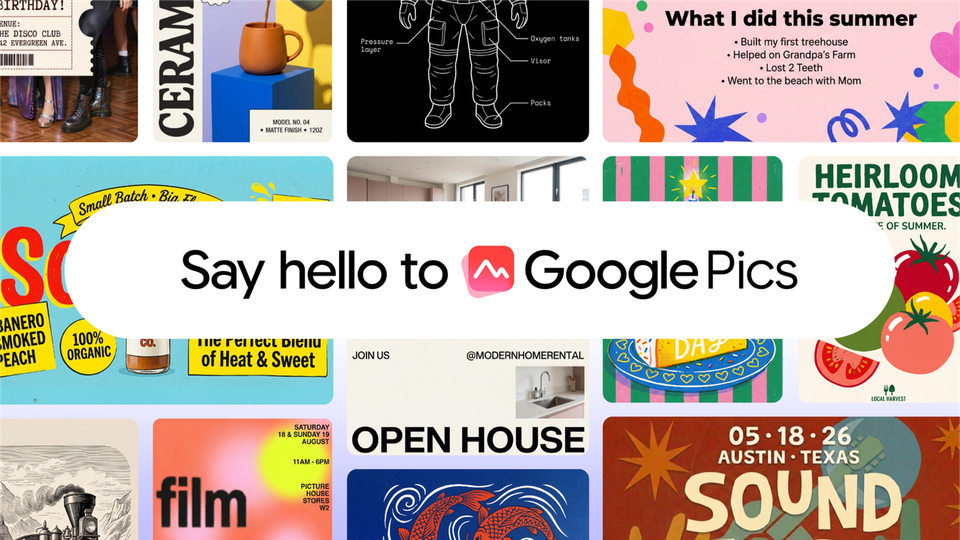
According to the official announcement on Google's blog, written by product manager Meg Whittenberger, Pics is Google Workspace's image creation and editing tool, built on the Nano Banana image generation and editing model. The design is deliberately dual: a standalone product you open directly at pics.new, plus integrations inside the Workspace apps so you edit images where you already work — no copying, pasting, or switching tabs.
That positioning is what led The Verge to describe it as "like Canva, but with even more AI," while TechCrunch headlined its coverage as Google's answer to Canva, "an AI tool where you prompt instead of design," targeting the creative-software market dominated by Canva and Adobe.
Source: Official Google Workspace blog
The editing features Google announced
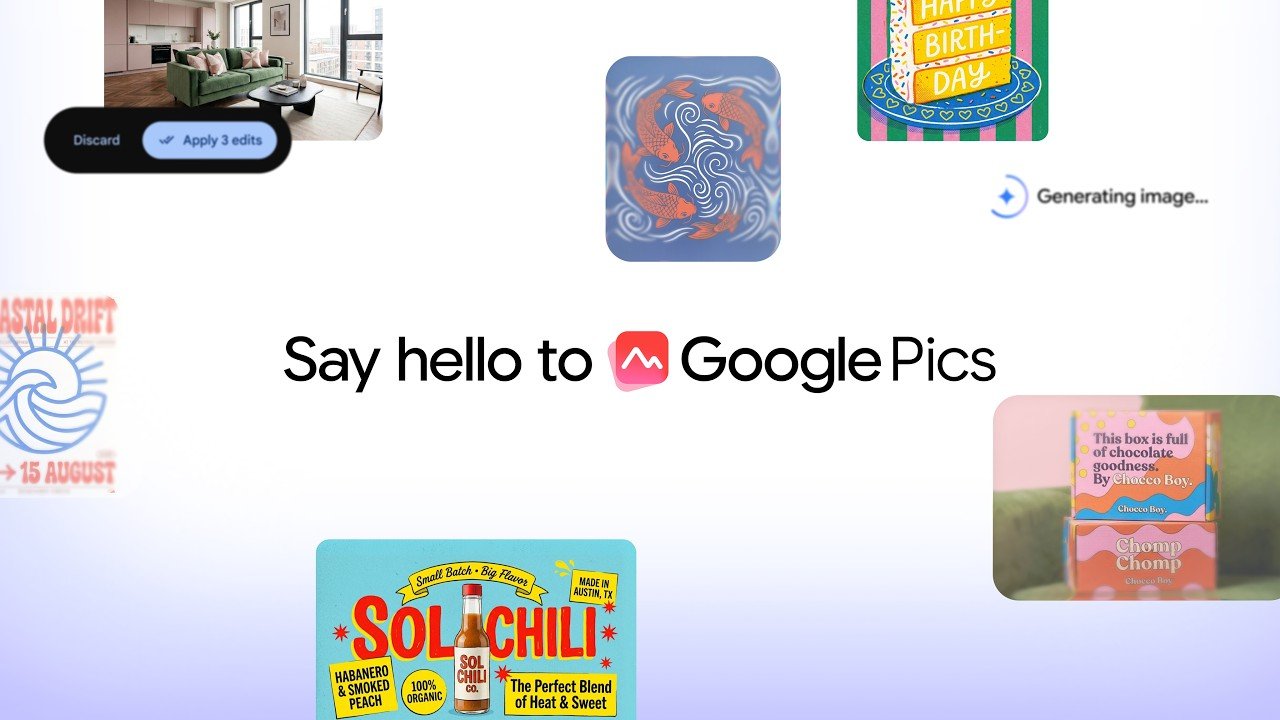
The official feature list focuses on precise control rather than one-shot generation. Object segmentation: isolate an element and transform it without altering the rest of the image, type text comments on specific areas to request targeted changes, and execute multiple edits at once. In-image text editing and translation: modify or translate words directly inside an image without disrupting the design or changing the font — historically one of the weakest points of generation tools. Collaboration: share Pics creations with teammates and edit the same image together, the way Google Docs already works. Multiple generations: Pics produces several options from a single prompt so you can pick the best iteration.
This official video from Google walks through creating and refining custom graphics step by step:
Source: Google's official blog
How to get it, and when
Three availability facts from the announcement deserve precision. First, the rollout is gradual — "over the coming weeks" — so do not expect it to appear in every account on day one. Second, the initially covered groups are Google AI Pro and Ultra subscribers and most Workspace business customers; free personal accounts are outside the current announcement. Third, the integration starts today with Docs and Slides, with Drive arriving in the coming weeks, and direct access via pics.new.
Google published no plan pricing and no generation limits in this announcement, so for up-to-date figures we point you straight to the official Google AI plans page rather than guessing numbers that may change.
Google Pics or Canva? A practical comparison
| Criterion | Google Pics | Canva |
|---|---|---|
| Where the work happens | Inside Docs, Slides, and Drive, plus a standalone app | A standalone app |
| Design approach | Prompt-first generation and editing | Template-first with a large asset library |
| In-image text editing | Built in, preserving fonts | Available through an advanced editor |
| Real-time collaboration | Same model as Google Docs | Strong, but outside Google's suite |
| Best fit | Teams already working inside Workspace | Teams built on ready-made templates and stock |
| AI depth | Nano Banana integrated into the core experience | AI features layered onto the platform |
The practical conclusion: this is not a "which tool wins" contest but two ecosystems. If your workflow already lives in Google's apps, the gain is obvious because Pics removes an entire step. If your brand work is built on Canva's template library, there is no compelling reason to move today.
This second official video shows editing directly inside Slides, Docs, and Drive without leaving your work:
Source: Google's official blog
What this means for international users
Three practical notes. First, the feature is part of Google Workspace itself — the suite most companies and universities worldwide already run — so there is nothing new to install once the rollout reaches your account; it simply appears inside your apps. Second, the in-image text translation feature that preserves design and fonts is a genuine time-saver for teams producing bilingual or multilingual content, one of the most labor-heavy tasks in marketing and communications teams everywhere. Third, if you already pay for a Google AI plan, you are first in line; students and educators should also check our earlier coverage of the free Gemini year for students, and teams tracking Google's broader AI rollout may find our piece on booking travel inside AI Mode useful context.
Practical use cases by team
Because the tool lives inside your documents, its value shifts with the nature of your work. Marketing and communications teams are the most immediate beneficiaries: producing daily social content was already one of the most time-hungry tasks, and generating several options from one prompt — then refining the winner without leaving Slides — removes an entire review cycle, matching Google's own examples of designing "eye-catching social media content and digital announcements." Students and researchers benefit at presentation time: illustrative graphics and clean visuals inside the deck itself, with no detour into a professional design suite or its learning curve. HR and operations teams can produce internal announcements, simple infographics, and recognition certificates without waiting in the central design team's queue. Small e-commerce stores get a real shortcut too: product imagery edited inside the same document that holds the product copy, with files dropped straight from Drive into Pics as Google's fifth official video demonstrates.
In every one of these cases the principle is identical: the value is not "a prettier picture" but the elimination of an entire workflow step — the app-switching that used to eat time and break focus.
Three habits for a strong start
When activation reaches your account, begin with three proven habits. First, write the prompt in English and request in-image text translation afterward when you need localized wording; it is faster than regenerating the whole image. Second, use the targeted text comments on specific regions instead of rewriting the whole prompt — instructing "change only this background" or "replace this one line" protects the rest of the composition, which is precisely where Pics outperforms blind regeneration. Third, train your team to review the multiple generated options first and then trim, because picking the best of four ready candidates is always faster than chasing perfection in a single attempt. If results feel repetitive, rephrase the description rather than repeating the same request — generation models respond to changed wording far more than to repetition.
What Google has not confirmed yet
In fairness: the official announcement says nothing about watermarking or AI-content labeling (such as SynthID), nothing about daily or monthly generation limits per plan, and no separate country list — the official wording is simply a rollout to the subscriber groups mentioned. Anyone building a sensitive workflow (government or university publishing, for example) should wait for those details to be documented or test them personally once the feature arrives.
Questions users are searching for
Is Google Pics free?
The announcement limits availability to Google AI Pro and Ultra subscribers and most Workspace business customers, making it a paid-plan feature at this stage rather than a free-account one.
How do I open Google Pics?
Directly at pics.new, or inside Docs and Slides once the rollout reaches your account; Drive support follows in the coming weeks.
Which model powers Google Pics?
Google's Nano Banana image generation and editing model, per the official announcement.
Does it edit existing images or only generate new ones?
Both: generation from a text prompt with multiple options, and precise editing of images including object segmentation and in-image text editing and translation.
Does it support non-English text in images?
The announcement does not publish a language list, but the built-in in-image translation feature points to multilingual support; hands-on testing after activation is the real test.