
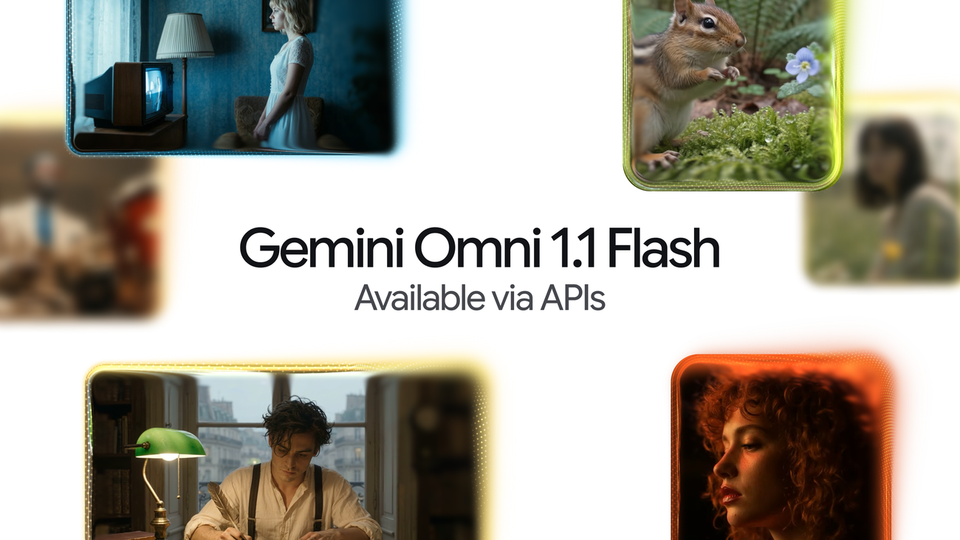
Gemini Omni 1.1 Flash: Google's AI Video Model Adds 4K, 40-Second Scenes and Cheaper Drafts
Google DeepMind introduced Gemini Omni 1.1 Flash on August 27, 2026, a substantial upgrade to the Omni family for AI video generation and editing. The release adds scene extension up to 40 cumulative seconds with a 10-second context window, first-and-last-frame interpolation for cinematic transitions, 360p draft generation that is up to 60% faster and one-third the cost, 4K output, and video references for character consistency. The headline for everyday creators: the update is available immediately to all Google AI Plus, Pro and Ultra subscribers globally inside Google Flow, meaning your existing subscription already includes it today.
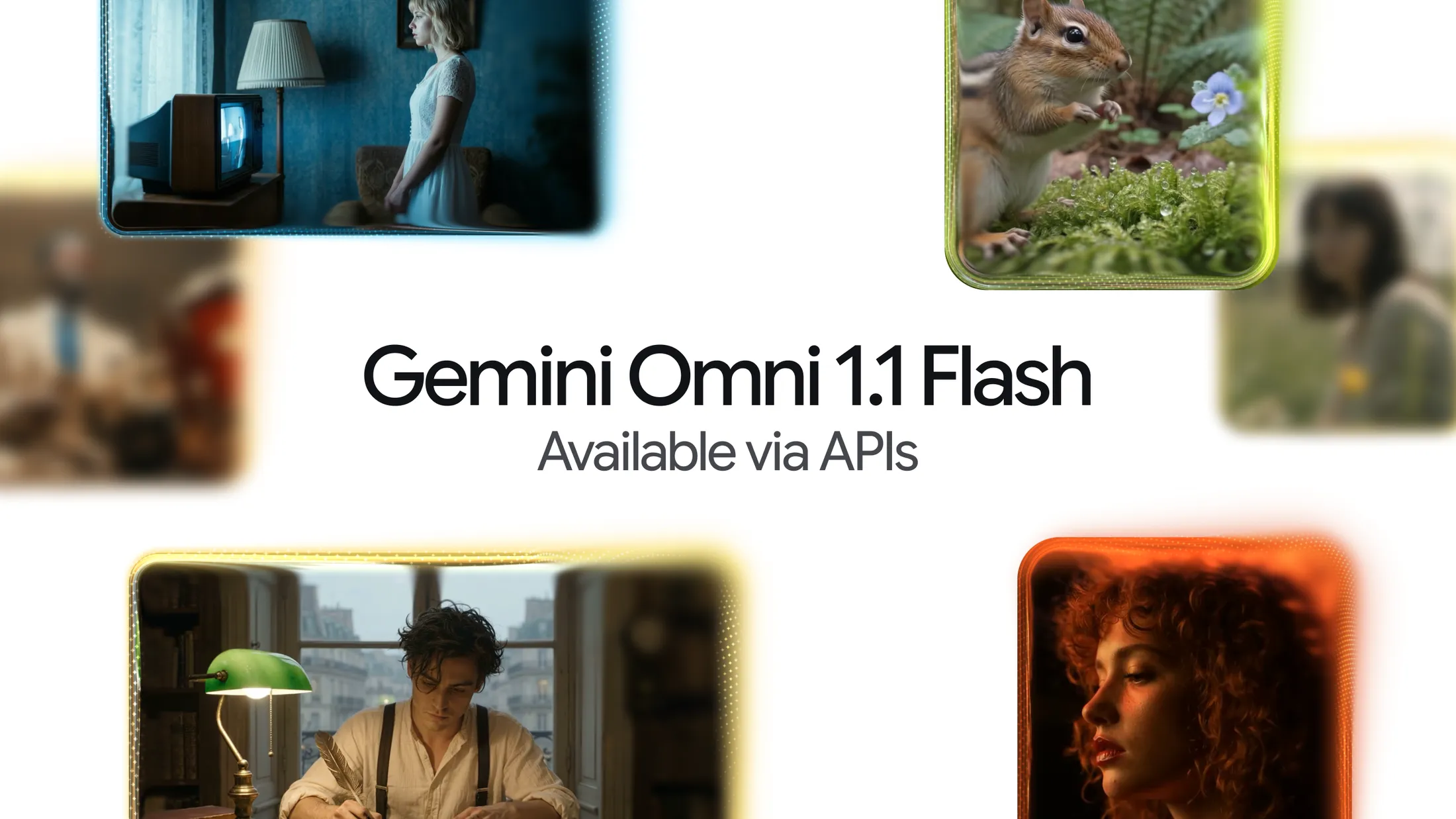
Source: Google's official blog — Build with Gemini Omni 1.1 Flash
What Is Actually New in Omni 1.1?
The announcement came from Anish Nangia and Alisa Fortin, Product Managers at Google DeepMind, who described the release as making Omni "production-ready for professional use" via the Gemini API in Google AI Studio. The improvements over the first generation center on control and workflow:
- Scene extension: instead of disconnected short clips, the model can now analyze up to 10 seconds of prior context — a leap from the single final second previous models referenced — and continue generating footage seamlessly in 10-second increments up to a total cumulative length of 40 seconds, with better visual consistency and narrative adherence.
- First and last frame specification: define the starting and ending frames of a shot and the model generates continuous video between the two keyframes, ideal for camera orbits, zoom transitions, and seamless loops.
- Faster 360p drafts: generate lightweight previews up to 60% faster and at one-third the cost of standard 720p, designed for rapid prototyping and storyboard iteration.
- Upscaling to 4K: produce polished 1080p or 4K outputs ready for professional deployment.
- Video references in multimodal input: reference up to three seconds of video to maintain visual context and character consistency across shots.
Source: blog.google — Developer tools and Gemini models
Where Can You Use It Today?
According to the official post, Omni 1.1 is rolling out across three surfaces: Google AI Studio for direct experimentation and the Gemini API for developers, the Agent Platform API for enterprises, and — most relevant for non-developers — Google Flow for all Google AI Plus, Pro and Ultra subscribers globally, starting on announcement day, with scene extension also available to all those subscribers inside the Gemini app. In practical terms: if you already pay for any of those tiers, the update arrives with no extra step, and if you are new to the ecosystem, the Plus tier is the lowest-cost entry point into Flow's new toolset. Our complete Google Gemini Advanced guide walks through the subscription tiers before you commit.
Who Is Already Using It in Production?
Google did not stop at promises. The announcement quotes named customers running Omni Flash in production: Adobe integrated the model into Adobe Firefly for video editing capabilities; Itay Schiff, Creative Director of Figma Weave, said richer reference material, extensions and 4K resolution take teams "beyond generating videos to truly directing them"; Louisa Guo of GMI Cloud highlighted the model's accuracy for educational and explanatory content; and Runway's Chief Creative Officer Jamie Umpherson noted that Omni Flash "fits naturally" into how people already use that platform. These integrations matter because they place the model inside tools that working editors and designers already open every day, rather than requiring a new workflow from scratch.
What This Means for Working Creators
- Longer, coherent output with less effort: a 40-second ceiling with 10 seconds of context memory means you can build continuous scenes for branded stories and short ads without stitching fragments that lose character consistency.
- Cheaper experimentation: 360p drafts at one-third the cost let you test dozens of prompt and angle variations before spending budget on the final shot — a real margin difference for small studios and freelance editors.
- 4K opens premium work: output ready for large displays and high-spec platforms without an external upscaling step keeps more of the pipeline in one place.
- Infrastructure is a non-issue: the service is fully cloud-based and needs no local GPU; what you need is an active subscription and a payment method accepted in your country.
- Commercial use needs diligence: review the current commercial terms and watermark policies before delivering Omni-generated footage to paying clients.
Quick Comparison: Omni 1.1 vs the First Generation
| Capability | Omni (first generation) | Omni 1.1 Flash |
|---|---|---|
| Extension context | One final second | Up to 10 seconds |
| Cumulative length | Short separate clips | Extension up to 40 seconds |
| First/last frame | Not available in this form | Generate transition between two frames |
| Output resolution | Standard, 720p drafts | 360p drafts, then 1080p and 4K |
| Iteration speed and cost | Baseline | Up to 60% faster, one-third cost at 360p |
| Video references | Not available | Up to 3 seconds in input |
| Availability | API and select surfaces | API plus Flow for subscribers globally |
Practical Use Cases Google Itself Showcased
Google did not leave the capabilities theoretical; the announcement showcased sample applications that double as a roadmap for small teams. The first takes two frames from you — first and last — and generates the cinematic transition between them using presets or a free-form prompt, leaning on Omni's full-context reasoning so the camera moves read as real rather than synthetic. The second targets real estate: the camera moves through the rooms, arcing, pushing in, pulling back, showing the home in an aspirational state at the perfect time of day — while adding no furniture or details that do not exist in the space. The third, the Draft Room, tackles the most persistent pain in generative video: instead of generating ten full renders before landing on the right one, you produce three or four 360p drafts, vary one thing at a time, and compare them side by side before committing budget to the final render. Read those three examples as a to-do list: transitions between two static shots, a virtual walkthrough for property or exhibitions, and a methodical draft room — three workloads you can adopt inside your agency this week with zero custom engineering.
Honest Limitations
First, the "up to 60% faster" figure compares system throughput between 360p and 720p resolutions on Google's infrastructure — it is not a promise about absolute speed in every scenario. Second, the announcement does not include a detailed per-resolution price table for every region; actual costs appear in AI Studio or your billing console. Third, a 10-second context window reduces but does not eliminate consistency errors in complex scenes, so human review before publishing remains essential. Fourth, Arabic and other non-English scene prompts depend on the underlying text models: comprehension is good, but precise cinematic vocabulary still tends to perform better in English. Finally, features are rolling out across surfaces at different paces, so you may find scene extension in the Gemini app before every tool lands in Flow, or vice versa.
Frequently Asked Questions
Is Gemini Omni 1.1 Flash free to use?
Google AI Studio offers free limits for developers, but full access inside Flow requires a Google AI Plus, Pro or Ultra subscription, included for those subscribers globally since announcement day.
What is the maximum video length in Omni 1.1?
You can extend a scene in 10-second increments up to a total cumulative length of 40 seconds, with the model drawing on up to 10 seconds of prior context for consistency.
Can I write scene prompts in languages other than English?
Yes, the model understands multilingual prompts including Arabic, though precise cinematic direction tends to be more accurate in English; many international creators prompt in English and add their own language's voiceover.
Can I sell videos produced with Omni 1.1?
Commercial use is permitted under Google's current terms subject to content policies and applicable watermarking, and you should review the updated terms in your account before delivering commercial work.
How does Omni relate to Google's other video models?
Omni is Google's family for interactive creative generation and editing across images, video and audio; we previously explained character consistency in the first Omni release in detail.
Start Here
Try extending one short shot from a current project and compare it against regenerating from scratch, then follow our guides on producing YouTube Shorts with Flow and AI video editing with Omni. If you are starting from zero, our explainer on Google's Omni video model family is a solid entry point.