
Article 1 ===
Type @Sketch into a ChatGPT conversation and a drawing canvas opens. Doodle a rough room layout, the outline of a jacket, or — as one Verge editor actually did — a deliberately bad cat drawing, and the model returns a complete, realistic image built from your sketch plus a short style description. That is the headline feature of ChatGPT Images 2.5, the new image engine OpenAI started rolling out on September 8, 2026, alongside a claimed 50% cut in generation latency, sturdier multi-turn editing, and two new API models for developers.
Source: OpenAI's official announcement
The backdrop to this release is scale. People now create more than 3 billion images every week across ChatGPT Images and the GPT-Image models in the API, according to the same announcement, which makes even single-digit quality improvements statistically enormous. The rollout covers all ChatGPT, ChatGPT Work, and Codex users across every tier — including free plans — on desktop, mobile, and web.
Sketch, tested on a bad cat
The idea behind Sketch is that words are not always the clearest way to specify a picture. Sometimes a ten-second scribble communicates spatial relationships — where the sofa goes, how the neckline curves — faster than a paragraph ever could.
OpenAI describes the feature as using your drawing as a visual guide: sketch the layout of a room, the contour of an outfit, or a funny doodle, then add a description of the style, and ChatGPT turns the rough art into a finished image. The company is explicit that you do not need to be an artist.
The Verge tried it before publishing and the results were telling. An editor drew a sloppy cat with a mouse; the feature produced a realistic cat image following the instructions. The editor then asked for the eye color to change from green to blue by commenting directly on the output, and the edit landed without the rest of the image falling apart. That second step matters more than the first: single-shot generation is now commodity technology, while edits that stick across turns are where these tools usually break.
Four upgrades under the hood
Beyond the drawing canvas, OpenAI documents four engine-level improvements in Images 2.5:
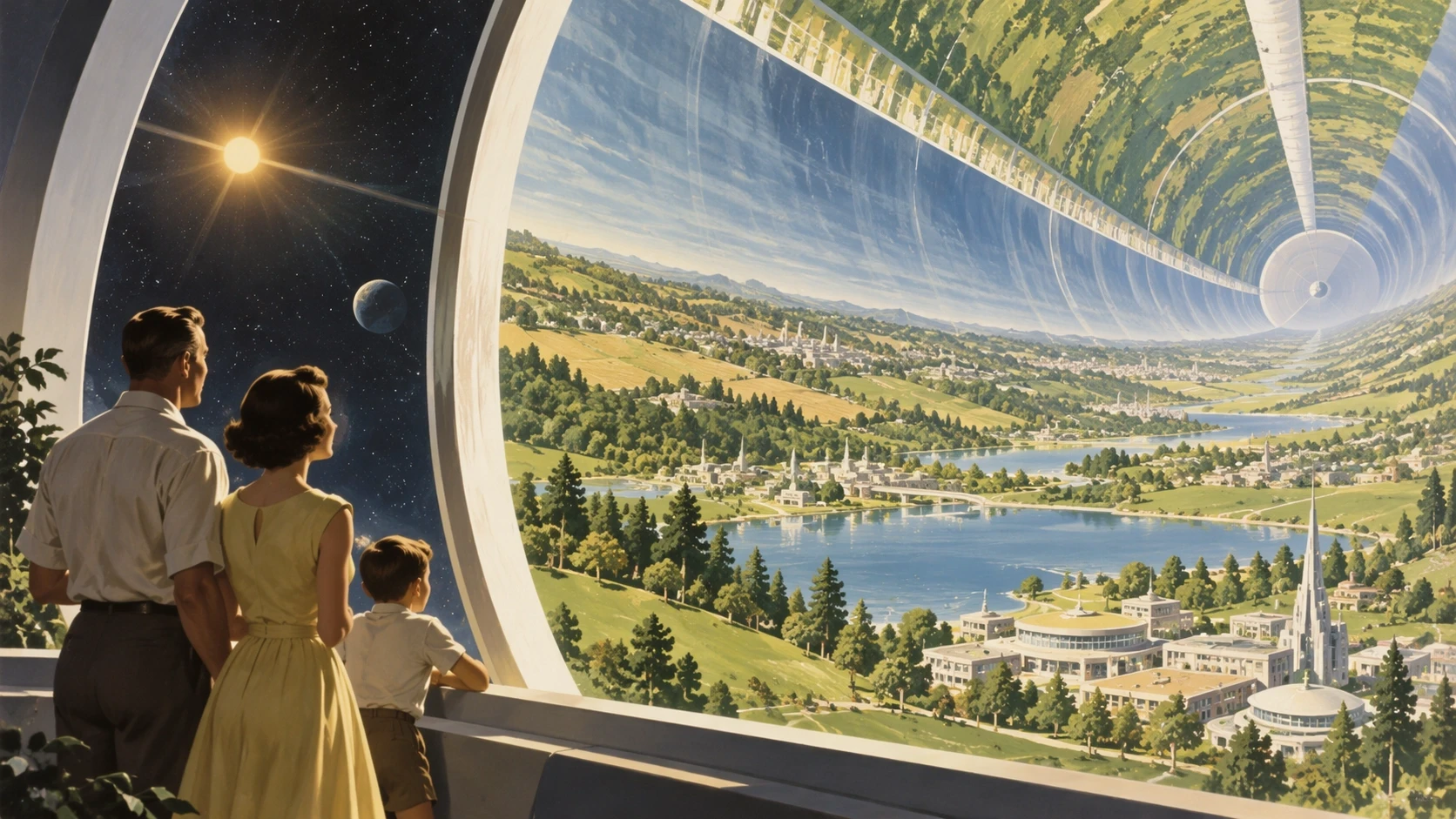
- Reference-photo fidelity. Upload a photo of your kid, your dog, or your product, and the subject stays recognizable across new settings, styles, and compositions. Distinctive features are more likely to carry through.
- Focused editing. The model changes only what you asked for and leaves surrounding details alone — useful when you need one element swapped without rebuilding the whole asset.
- Multi-turn consistency. During long conversations, earlier edits survive later ones, and quality does not degrade as instructions stack up. This is the change working designers will notice most.
- Latency down up to 50%. Generation is up to half as fast as Images 2.0, which changes the feel of iterative work: you can afford another round.
Source: OpenAI's official announcement
Three workflow features that ship alongside
Sketch gets the spotlight, but three quieter additions may affect daily output more:
- Templates. Instead of a blank canvas, start from a format like Poster or Merch and fill in your information, design elements, and styles. This targets the two highest-volume use cases — flyers and product shots — directly.
- Comments placed on the image. Rather than describing an edit in words, you pin a comment to the region you want changed. The instruction arrives attached to its target, which removes a whole class of misunderstandings.
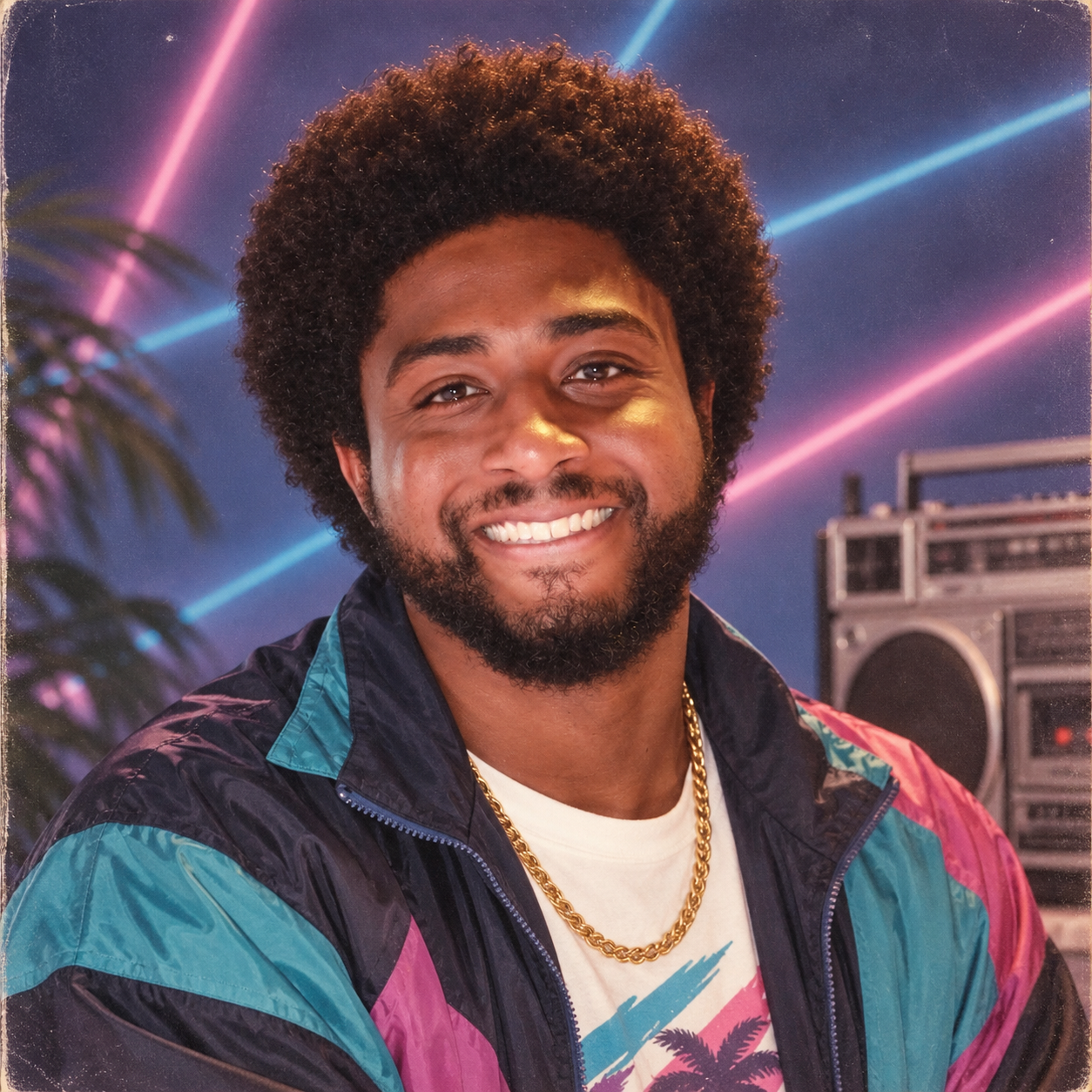
- Prompt sharing. When you share an image, you can attach the prompt that produced it, letting others rerun the idea with their own photos. OpenAI itself points to the 1980s yearbook-style prompt "currently going viral" as the flagship example.
Source: OpenAI's official announcement
For developers: Flare and Sunburst
The API gets two new models. GPT-Image-2.5 Flare is the default, delivering higher-quality images than GPT-Image-2 at 50% lower latency — aimed at social content, visual search, rapid prototyping, and high-volume generation. GPT-Image-2.5 Sunburst trades longer generation times for tighter control across edits, aimed at production-ready campaign creative and polished product imagery.
Early customers named in the announcement include Higgsfield AI, whose head of product praised Flare for understanding "what not to change," plus Adobe, Manus, and Runway. The quote is worth pausing on: knowing what to preserve is precisely the failure mode that has made AI editing tools risky for brand work.
A prompt recipe that works
Whatever model you use, output quality tracks input structure. A four-layer recipe covers most professional needs:
- Subject: exactly what or who is in frame ("a rectangular glass perfume bottle with a gold cap").
- Scene: where it sits and what surrounds it ("on white marble, gradient studio-gray backdrop").
- Visual style: the treatment ("professional product photography, soft side lighting, shallow depth of field").
- Constraints: what you refuse ("no text in image, no harsh reflections, 4:5 aspect ratio for Instagram").
When iterating, change one layer per round instead of rewriting everything — multi-turn consistency works best with incremental shifts. If you attach a reference photo, state explicitly which elements must survive ("keep the bottle color and logo"), because explicit instructions are what stop the model from re-imagining the parts you wanted preserved.
Fine print worth knowing
Every image produced carries C2PA metadata and an invisible watermark, so its origin is detectable — good for content authenticity, limiting for anyone hoping to pass output as unedited photography. Restrictions on generating images of public figures remain in place. Generated text inside images, in any language, still needs proofreading before commercial use; this remains a known weak spot across all current image models. And "up to 50% faster" describes best-case latency, not a guarantee for every request.
Images 2.0 vs Images 2.5 at a glance
| Dimension | Images 2.0 | Images 2.5 |
|---|---|---|
| Generation speed | Baseline | Up to 50% faster |
| Reference photos | Partial subject preservation | Better feature carry-through |
| Multi-turn edits | Earlier changes drift | Consistent across rounds |
| Drawing input | Not available | Sketch via @Sketch |
| Templates | Not available | Poster, Merch, and more |
| Prompt sharing | Not available | Attach prompt to shared image |
If you want Images 2.5 positioned against Google's offering, our earlier comparison in Nano Banana or ChatGPT for Images? The Complete Breakdown still holds as a framework, and a Google response within weeks is a reasonable expectation given the pace. The Workspace-side context is covered in Google Pics Launches in Workspace. For a different flavor of this week's consumer AI launches, see Meta's Muse Personal AI Agent.
Frequently asked questions
How do I use Sketch in ChatGPT?
Open any conversation, type @Sketch, and send. A drawing surface appears in the app. Draw your idea — even simple lines work — add a text description of the desired style, and the model generates a complete image using your sketch as the visual reference alongside your text.
Is ChatGPT Images 2.5 available on the free plan?
Yes. OpenAI states the update rolls out to all ChatGPT, ChatGPT Work, and Codex users across every tier, on desktop, mobile, and web. Daily image limits for free versus paid tiers continue to apply as before.
What is the difference between Images 2.5 and Images 2.0?
Three headline changes: generation up to 50% faster, better preservation of people's features in reference photos, and edits that stay consistent across multiple turns without quality loss. Entirely new capabilities include Sketch, ready-made templates, and comments pinned directly onto image regions.
What are GPT-Image-2.5 Flare and Sunburst?
Two API models for developers. Flare is the default: higher quality than GPT-Image-2 at 50% lower latency, suited to social content and high-volume generation. Sunburst targets premium workflows needing tighter edit control — campaign creative and polished product shots — and accepts longer generation times.
Do generated images carry a watermark?
Yes. OpenAI applies C2PA metadata and an invisible watermark to every image its tools produce, alongside checks on prompts and outputs to prevent harmful content. The goal is distinguishing AI-generated images from authentic photographs.
Sources
- OpenAI's official announcement of ChatGPT Images 2.5 — primary source for every launch detail
- The Verge: hands-on with Sketch — independent editor test of drawing and editing
- TechCrunch artificial intelligence section — ongoing image-model launch coverage
Try it in five minutes
Open ChatGPT today, type @Sketch, and draw the first idea that comes to mind — then edit the result with pinned comments instead of re-describing from scratch. If you want a bundled writing-plus-generation toolkit at a lower price, browse the Truescho digital store for shared subscriptions, and for where the industry goes next this fall, our coverage of Meta's Muse agent completes the picture of this week's consumer AI race.