
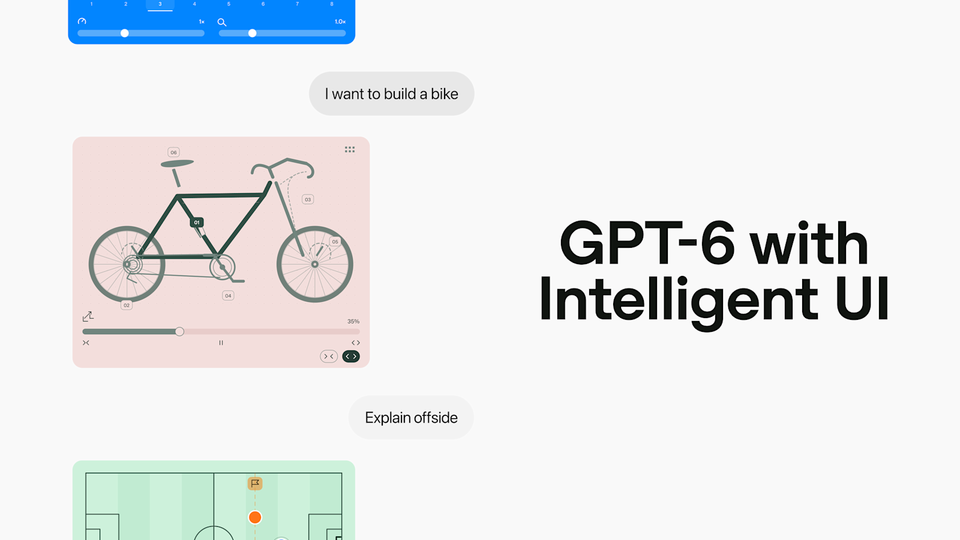
GPT-6 Intelligent UI Rolls Out to All ChatGPT Users
Last updated: October 2026
You opened ChatGPT today and asked it to plan Sunday dinner. Instead of the usual wall of text, the reply arrived as something you can operate: a shopping list, a control that resizes the meat portion for the number of guests, and an hour-by-hour timeline you can tap through. If your account has not changed yet, it is about to.
Here is the answer: on October 7, OpenAI began rolling out GPT-6 to every ChatGPT tier, and the free tier joins today, October 8. The release introduces Intelligent UI, a capability that lets ChatGPT answer with fully interactive interfaces — charts, clickable buttons, forms, and small apps used directly inside the conversation — built for over 1.2 billion weekly users.
Source: OpenAI official YouTube channel
Source: OpenAI
Answers you can click, adjust, and play with
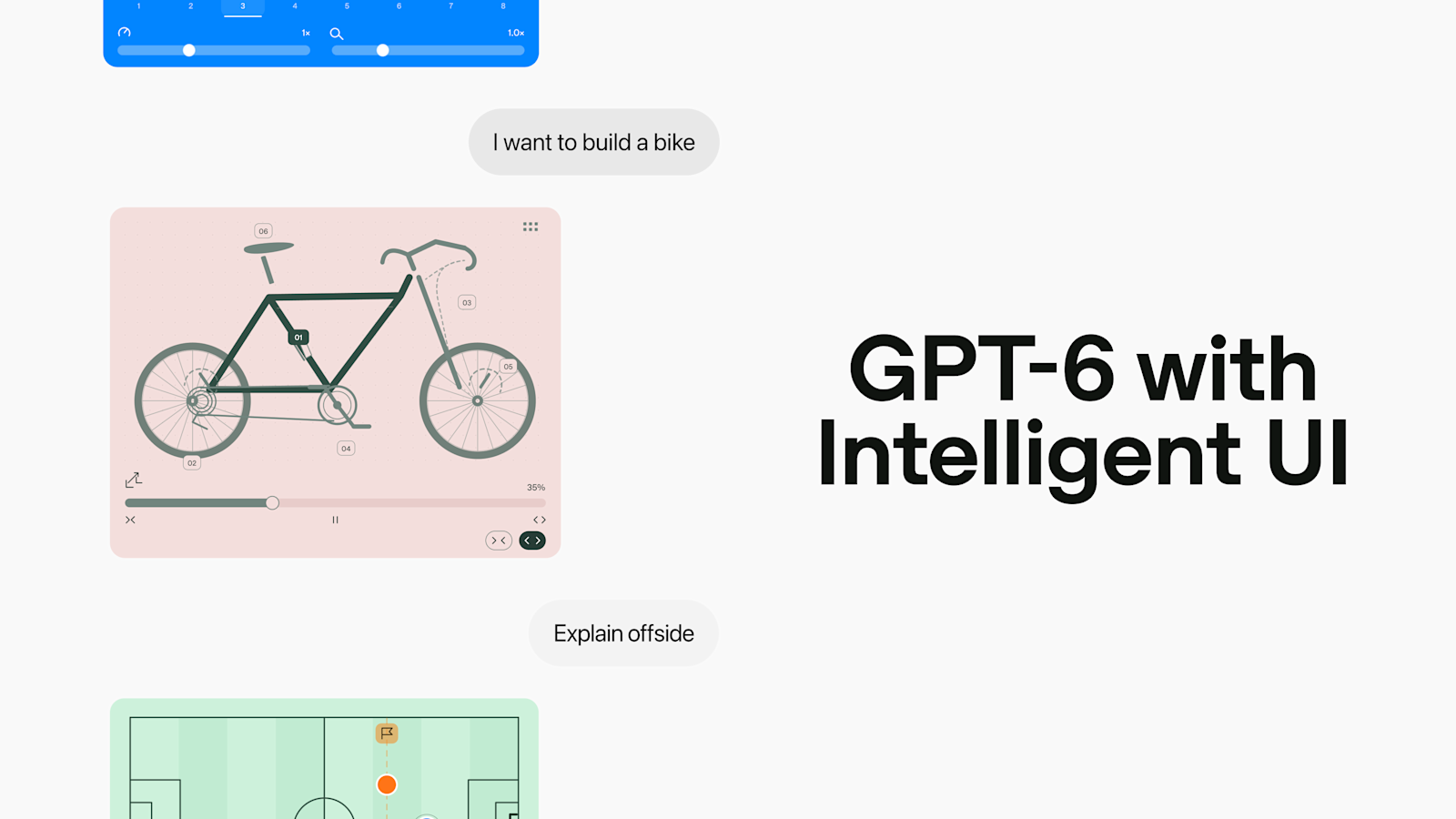
The core change is that ChatGPT no longer treats text as its only output format. The format now follows the question: a side-by-side comparison when you are choosing between options, an interactive diagram when you are trying to understand something, and plain text when text is genuinely the best answer.
The official examples range from the practical to the playful. A Sunday roasted-chickpea dinner plan arrives with a shopping list, a portion control that adjusts the meat amount for your guest count, and a timing table broken down by the hour. A road-trip plan plots its stops on a map, with notes flagging which detours are actually worth the turn.
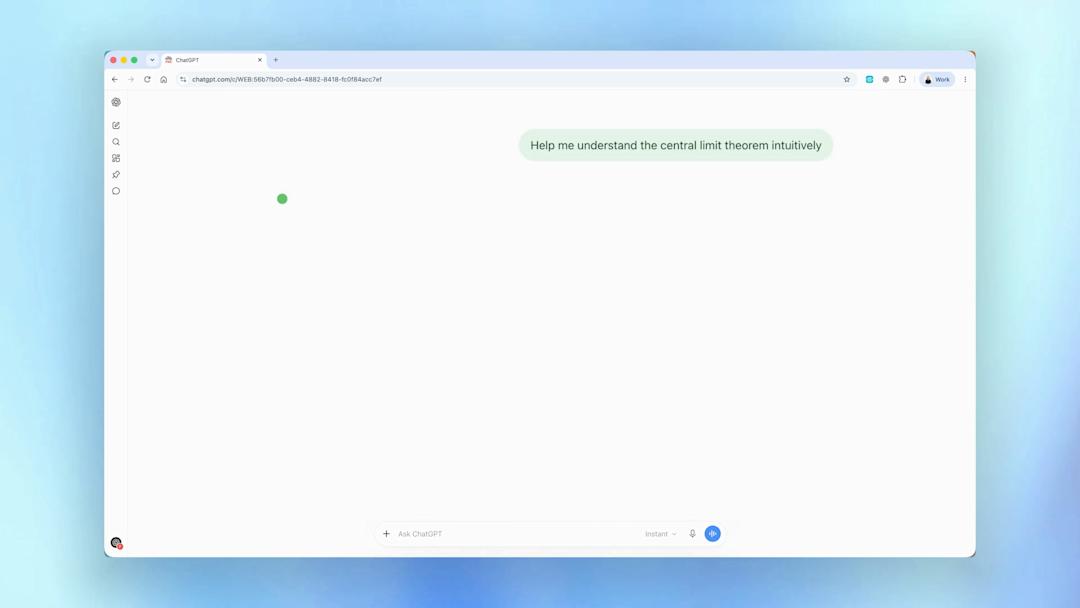
Beyond planning, OpenAI shows a personal savings calculator, a bill splitter for group dinners, a game you play inside the conversation, and an interactive explainer of the central limit theorem. For learning, the pattern is consistent: explore how something works, change one input, and watch the result update in front of you.
"ChatGPT has mostly been a text interface," Aarushi Selvan, a product manager at OpenAI, told TechCrunch. The team's goal, she said, is helping users get things done — from planning a recipe or a trip to learning something new — because "the most helpful answers are not just text." In the example shared with TechCrunch, a university student asked ChatGPT to explore how an airplane wing generates lift, and interactive diagrams appeared instantly.
The rollout completes a sequence that moved quickly even by OpenAI's standards. The first GPT-6 models reached paying customers last month with the launch of GPT-6 Astra, and last week's developer event set the platform direction around them — see our full OpenAI DevDay 2026 recap.
Under the hood: streamable components and a UI compiler
Intelligent UI is not a bolt-on layer of canned widgets. OpenAI describes a library of native streamable components paired with a compiler that processes the interface while it is being generated, so elements appear progressively instead of waiting for the entire reply to finish.
The model itself was trained to make content, layout, and interaction decisions, and its generated interfaces were evaluated for clarity, helpfulness, and completeness. In practice, that means the interface is generated as part of the answer, not extracted from it — which is why it can render piece by piece while the response is still streaming.
Source: OpenAI
The screenshot above shows the central limit theorem example in its opening frame — the kind of statistics topic that usually survives as three dense paragraphs, turned into something a student can poke at until it clicks.
The speed story: answers begin 44% sooner
The second big change is timing. ChatGPT now starts answering while it is still thinking — OpenAI calls this interleaved answering — so the first useful words or components land earlier in the exchange.
The numbers OpenAI publishes are specific. GPT-6 Extra High begins its answer in the time GPT-5.6 Medium needed, and still produces a better result than GPT-5.6 Extra High. On questions that require web search, GPT-6 Instant starts answering 44% sooner than GPT-5.6 Instant.
Source: OpenAI
Combined with progressive rendering, the practical effect is that interactive answers feel immediate. You start adjusting inputs while the rest of the response is still being built, rather than watching a spinner until the whole reply completes.
What this means for you
If you are on Plus, Pro, Business, or Enterprise, GPT-6 landed in your Chat tab yesterday, October 7, with Enterprise availability following administrator settings. If you are on the free or Go tier, the rollout reaches you starting today, October 8 — no upgrade required.
The model you get depends on your plan. GPT-6 Sol powers Plus, Pro, Business, and Enterprise, while GPT-6 Luna powers free and Go, and both are tuned for everyday conversation. We break down the differences in our GPT-6 Sol and Luna explainer. The Work and Codex models are unchanged in this release.
OpenAI also says GPT-6 is more resistant to attempts to bypass its safety training, especially multi-turn attacks, with training updated using lessons from real-world use involving cyberattacks, biological threats, and violence, plus greater awareness of its own capability limits. The full system card is published by OpenAI Deployment Safety.
Sol rather than Luna is the biggest practical reason to consider a paid plan, and a shared ChatGPT Plus subscription costs €5 a month through the Truescho shop if the full list price does not fit your budget. Anthropic also answered in the same week with a launch of its own — see our Claude Haiku 5.5 report.
Quick comparison: a text reply versus an Intelligent UI reply
| The task | Traditional text reply | GPT-6 Intelligent UI reply |
|---|---|---|
| Planning a dinner | A recipe you copy into your notes | Shopping list, a portion control that adjusts for guest count, an hour-by-hour timeline |
| Choosing between options | You read and hold the details in your head | A side-by-side interactive comparison |
| Learning a concept | Paragraphs you reread | A diagram where you change an input and watch the result update |
| Splitting a group bill | Math you redo yourself | A working splitter you tap inside the chat |
| First response | Waits for the full answer to render | Starts while the model is still thinking |
| Availability | Every ChatGPT user | Paid tiers from October 7; Free and Go from October 8 |
What to keep in mind
- The visual density can be dialed back, OpenAI confirmed to TechCrunch, so replies can lean toward plain text if the interactive style is not for you.
- The Work and Codex models are unchanged in this release, so coding-heavy workflows will not notice a difference here.
- According to user reports on Hacker News, GPT-6.1 Sol has faced recurring capacity strain since the GPT-6 Astra launch, with short outages reported by Pro ($200) and Codex enterprise users. Treat these as user reports, not confirmed incidents.
- The same Hacker News discussion — 645 points and 355 comments — questioned why Chat runs Sol rather than the stronger GPT-6.1 Sol, and drew comparisons to Anthropic's artifacts feature.
Frequently asked questions
What is Intelligent UI in ChatGPT?
Intelligent UI is a new GPT-6 capability that lets ChatGPT reply with fully interactive interfaces — charts, clickable buttons, forms, calculators, timelines, and small apps — instead of plain text only. The format adapts to the question: side-by-side comparisons, interactive diagrams for explanations, or simple text whenever text fits best.
Is GPT-6 free for all ChatGPT users?
Yes. Paid tiers — Plus, Pro, Business, and Enterprise — received GPT-6 in the Chat tab starting October 7, 2026, and the free and Go tiers follow from October 8. Enterprise availability depends on administrator settings. Free accounts run GPT-6 Luna, tuned for everyday conversation.
GPT-6 Sol vs GPT-6 Luna: which model powers your plan?
GPT-6 Sol powers Plus, Pro, Business, and Enterprise accounts, while GPT-6 Luna powers free and Go accounts. Both are tuned for daily conversation. OpenAI's Work and Codex models are unchanged in this release, so this rollout concerns the Chat experience specifically.
How fast is GPT-6 Instant vs GPT-5.6?
On questions that need web search, GPT-6 Instant starts answering 44% sooner than GPT-5.6 Instant. GPT-6 Extra High starts answering in the time GPT-5.6 Medium needed, while still producing a better result than GPT-5.6 Extra High, because answering begins while the model keeps thinking.
Can you turn off interactive visuals in ChatGPT?
You can dial back the density of visual elements, OpenAI confirmed through TechCrunch, so replies can lean toward plain text when you prefer it. The model itself also still chooses simple text whenever text is genuinely the best answer to your question.
Your next step
Open ChatGPT and ask it something concrete today: plan this week's meals for your household, map a weekend trip with detour-worthy stops, or ask it to explain a concept from your course and start changing the inputs. The difference between reading an answer and using one is the whole point of this release, and the free tier no longer sits outside it. If you want the paid tier's Sol model at a fraction of the usual cost, shared ChatGPT Plus plans in the Truescho shop are the affordable route.
Sources
- OpenAI — GPT-6 for everyone — the official announcement with availability, examples, and speed details
- OpenAI Deployment Safety — GPT-6 October system card — safety evaluation and training updates for GPT-6
- OpenAI on YouTube — the official Introducing GPT-6 in ChatGPT with Intelligent UI video
- OpenAI — DevDay 2026 recap — the platform announcements that set up this rollout