

Introduction: What Apple Intelligence Is and Why It Matters
When Apple unveiled Apple Intelligence at WWDC 2024, the vision was unambiguous: bring artificial intelligence into the very fabric of the operating system — not as a standalone app or a bolt-on chatbot, but as an invisible layer woven through every interaction. Writing, notifications, photography, search, and Siri would all be transformed.
Now, midway through 2026, with the arrival of iOS 27, iPadOS 27, macOS 27, watchOS 27, and visionOS 27, Apple Intelligence has matured significantly. Features that were promises in 2024 are daily utilities in 2026. But for millions of users outside Apple's primary language markets — particularly Arabic speakers, Southeast Asian users, and others — the question remains: can you actually use this?
This guide cuts through the marketing to give you an honest, practical assessment. We will cover what works, what does not, which devices qualify, and the workarounds that international users have adopted.
Primary source: Apple Intelligence official page
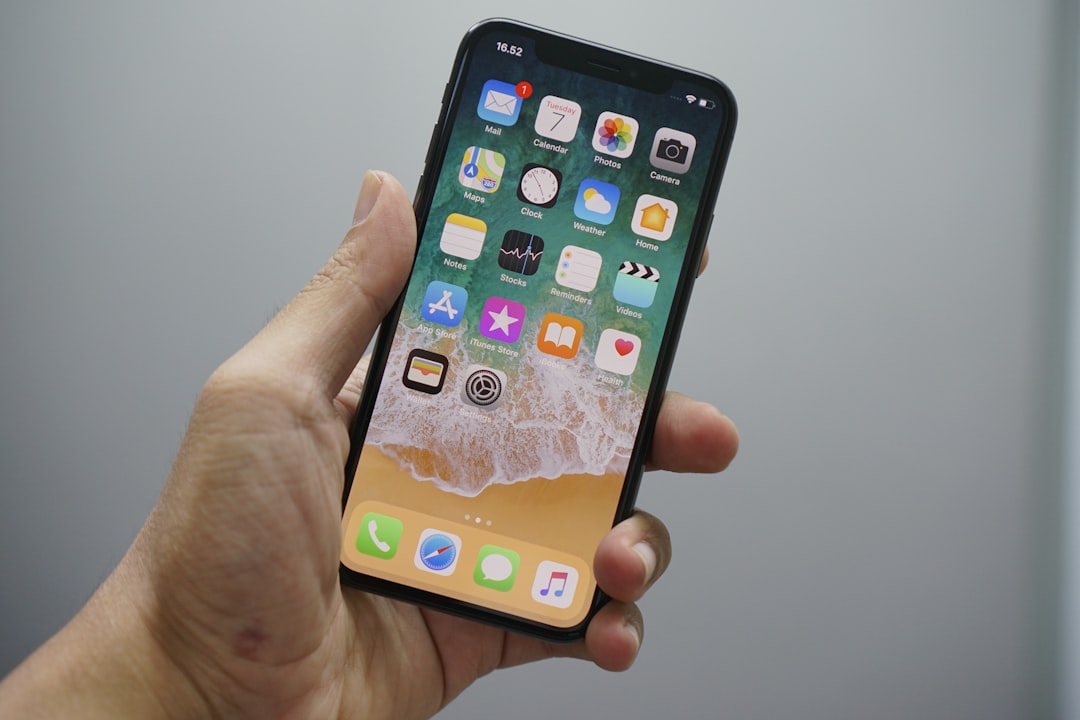
Photo: Bagus Hernawan on Unsplash
What This Means for You
This is the section that matters most if you are reading this from the Gulf, the Middle East, North Africa, or any region where English is not your primary device language.
The Language Gap — Be Honest About It
As of July 2026, Apple Intelligence supports the following languages:
- English (US, UK, Australia, Canada, Ireland, New Zealand, South Africa)
- Chinese
- French
- German
- Italian
- Japanese
- Korean
- Portuguese
- Spanish
- Swedish
- Turkish
- Vietnamese
Arabic, Hindi, Thai, Indonesian, and dozens of other major world languages are NOT supported. This is not a bug or an oversight — it is a deliberate rollout strategy by Apple. The company has not announced a timeline for Arabic support.
What this means practically: if your device language is set to Arabic (or any unsupported language), Apple Intelligence features will not appear in your Settings at all. You will not see the toggle. Siri will not gain the new capabilities. Writing Tools will be absent.
The Workaround: Switch Your Device Language
The solution that millions of Gulf and international users have adopted:
- Go to Settings > General > Language & Region
- Change your device language to English (US) — or any supported English variant
- Restart your device
- Navigate to Settings > Apple Intelligence & Siri
- Toggle Apple Intelligence on and follow the setup prompts
After setup completes (which can take several hours for initial on-device model downloads), all features become available: Writing Tools, Genmoji, Image Playground, enhanced Siri, Clean Up, Smart Reply, and notification prioritization.
Important: Changing the device language does not delete your data, photos, or apps. It changes the system interface language. Some apps that follow the system language will switch to English; others with their own language settings will remain as you configured them.
Supported Devices — The Hardware Gate
Apple Intelligence requires specific neural processing capabilities. This is a hard hardware requirement, not something a software update can fix:
| Device Category | Supported Models |
|---|---|
| iPhone | iPhone 16 (all variants), iPhone 15 Pro, iPhone 15 Pro Max |
| iPad | iPad mini (A17 Pro), all iPads with M1 or later |
| Mac | All Macs with M1 or later |
| Apple Watch | Requires watchOS 27 paired with a compatible iPhone |
If you have a standard iPhone 15, iPhone 14, or anything older — regardless of how recently you updated iOS — Apple Intelligence is unavailable. The Neural Engine in the A17 Pro chip (and later) is the minimum threshold for on-device AI processing.
Gulf and Middle East Availability
Apple notes that "some features may not be available in all regions or languages" (source). However, in practical testing across Saudi Arabia, the UAE, Kuwait, Qatar, Bahrain, and Oman, virtually all Apple Intelligence features work without issue once the device language is set to English. No VPN is required.
Key Features: What Actually Works Well
After months of real-world use, here is an honest evaluation of each major feature:
Writing Tools
The most practically useful feature for daily productivity. Available system-wide in any text field — Messages, Notes, Mail, and third-party apps.
- Proofread: Corrects spelling and grammar with impressive accuracy for English text
- Rewrite: Adjusts tone (friendly, professional, concise) — genuinely useful for work emails
- Summarize: Condenses long passages into bullet points or a paragraph
For non-English content: These tools only process English text. Feeding Arabic or mixed-language text produces unreliable results.
Genmoji and Image Playground
- Genmoji: Create custom emoji by describing them in words. The results are consistently impressive — faces resemble real people when sourced from your Photos library
- Image Playground: Generate illustrations in Animation or Illustration style. Define a person from your photos or write a text description
Both features run primarily on-device, meaning they work without an internet connection in most cases.
Enhanced Siri
The biggest Siri overhaul since its inception:
- Deeper contextual understanding and multi-step requests
- On-screen awareness: Siri knows what app you are viewing and can act on it
- Type to Siri: Double-tap the bottom of the screen to type instead of speaking
- App actions: Siri can perform specific tasks within third-party apps that have adopted the API
- Built-in ChatGPT integration: For complex queries, Siri can route to ChatGPT (with user permission)
Clean Up Tool
Remove unwanted objects from photos with a single tap. Works well for small distractions (wires, photobombers) but struggles with larger elements.
Smart Reply and Notification Prioritization
- Smart Reply: Contextually appropriate reply suggestions in Messages
- Prioritize Notifications: Important notifications surface above the chronological list
Quick Comparison: Apple Intelligence vs ChatGPT vs Gemini
| Criterion | Apple Intelligence | ChatGPT | Google Gemini |
|---|---|---|---|
| Arabic language support | Not supported | Excellent | Very good |
| Privacy | On-device processing | Cloud-dependent | Cloud-dependent |
| System integration | Deep, system-wide | Standalone app | Standalone app |
| Speed | Instant (on-device) | Requires internet | Requires internet |
| Cost | Free (with supported device) | Limited free / $20/mo | Limited free / $20/mo |
| Arabic writing tools | None | Excellent | Good |
| Image generation | Genmoji + Image Playground | DALL-E | Imagen |
Bottom line for international users: If your primary language is not English, ChatGPT and Gemini remain significantly ahead. Apple Intelligence's advantage is system integration and privacy — not breadth of language support.
Siri in iOS 27: What Is New
In July 2026, Apple announced notable Siri upgrades for iOS 27. According to TechCrunch (July 6, 2026), the headline additions focus on accessibility and naturalness:
Customizable Pace and Expressivity
Users can now control Siri's speaking speed and level of vocal expressiveness:
- Slower pace for users who prefer maximum clarity or have hearing difficulties
- Faster pace for power users who want rapid-fire responses
- Enhanced expressivity: Siri's tone shifts based on content — a witty response sounds warmer, a factual answer sounds more measured
This represents Apple's commitment to making Siri feel less like a command interface and more like a conversation partner.
Why This Matters for International Users
Honestly, it matters less than you might hope. These enhancements are available only in supported languages. If you use Siri in English — even as a non-native speaker — you will notice the improvement immediately. If your primary interaction language is Arabic, these features remain out of reach.
Frequently Asked Questions
Does Apple Intelligence support the Arabic language?
No. As of iOS 27 in July 2026, Arabic is not among the supported languages. Supported languages include English, Chinese, French, German, Italian, Japanese, Korean, Portuguese, Spanish, Swedish, Turkish, and Vietnamese. Apple has not announced a timeline for Arabic support. The practical workaround is switching your device language to English.
Which devices support Apple Intelligence?
iPhone 16 (all variants), iPhone 15 Pro, iPhone 15 Pro Max, iPad mini (A17 Pro), and all iPads and Macs with M1 or later processors. See Apple's official page for the complete list.
How do I enable Apple Intelligence on my iPhone?
Go to Settings > Apple Intelligence & Siri and toggle it on. If the option does not appear, verify: (1) your device is on the supported list, (2) your device language is set to a supported language like English (US), and (3) you are running iOS 27 or later.
Is Apple Intelligence free?
Yes. All Apple Intelligence features are free for users with supported devices. No additional subscription is required. The built-in ChatGPT integration offers a limited number of free requests; beyond that, a ChatGPT Plus subscription ($20/month) unlocks unlimited usage.
Does Apple Intelligence work without internet?
Partially. Many features process entirely on-device without internet (Genmoji, basic Writing Tools, Clean Up, Image Playground). More complex operations use Private Cloud Compute — Apple's privacy-preserving cloud infrastructure. Importantly, Apple does not allow your data to be processed on unsecured servers, and your requests are never stored or made accessible to Apple.
Conclusion: Should International Users Care Today?
Let us be straightforward. If you are an Arabic-first user — you think, write, and communicate primarily in Arabic — Apple Intelligence offers limited value in 2026. The language barrier is real, and Apple has given no official indication of when Arabic support will arrive.
However, if you are like many users in the Gulf and across the Middle East who operate bilingually — English for work, Arabic for personal life — Apple Intelligence delivers genuine daily value:
- Writing tools that save real time on English correspondence
- A Siri that has finally become useful rather than frustrating
- Privacy that surpasses cloud-based alternatives (on-device processing)
- System-level integration that no third-party app can replicate
Our recommendation: Try it. If your device is supported, switch to English for a week. Experience the features firsthand. You will quickly discover whether the trade-off is worth it. And the good news: switching back to Arabic takes seconds.
Apple Intelligence is not perfect for international users in 2026. But it is far more capable than its critics claim — and it is only going to get better.